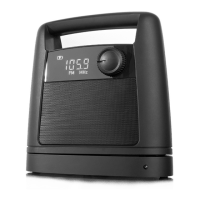
DISPLAY
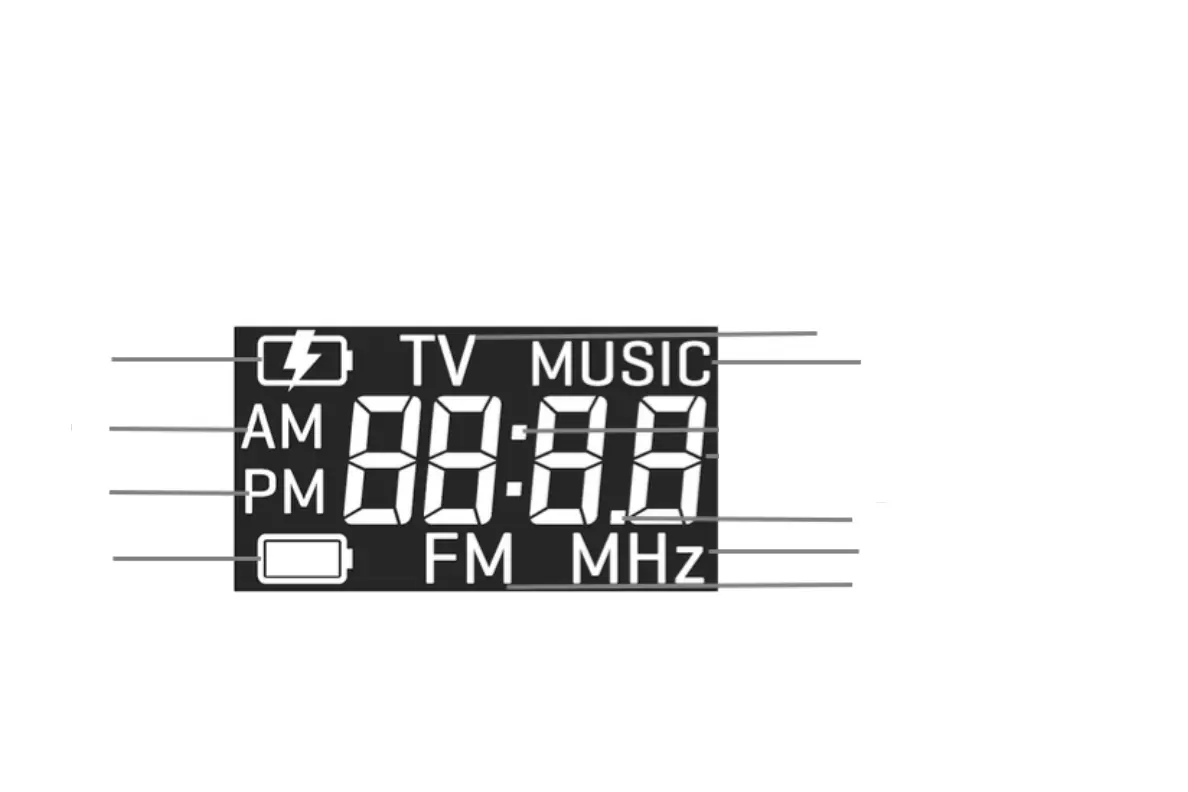
1. Battery charging: Icon shows when the speaker is charging.
2. AM: Icon displays when the time shows in 12-hour format, and in AM (morning)
3. PM: Icon displays when the time shows in 12-hour format, and in PM (afternoon/evening)
4. Battery: Icon shows when the speaker is being powered by batteries (not the charger). Icon continues to blink when battery life is lower
than 30%.
5. TV: Icon shows when the slide switches to “TV”
6. Music: Icon shows when the slide switches to “MUSIC”
7. .: Displays when the radio is ON and frequency is shown
8. MHz: Icon displays when the radio is ON and frequency is shown
9. FM: Icon displays when the radio is ON and frequency is shown
- 4 -
1
2
3
4
5
6
7
8
9


 To Next Page