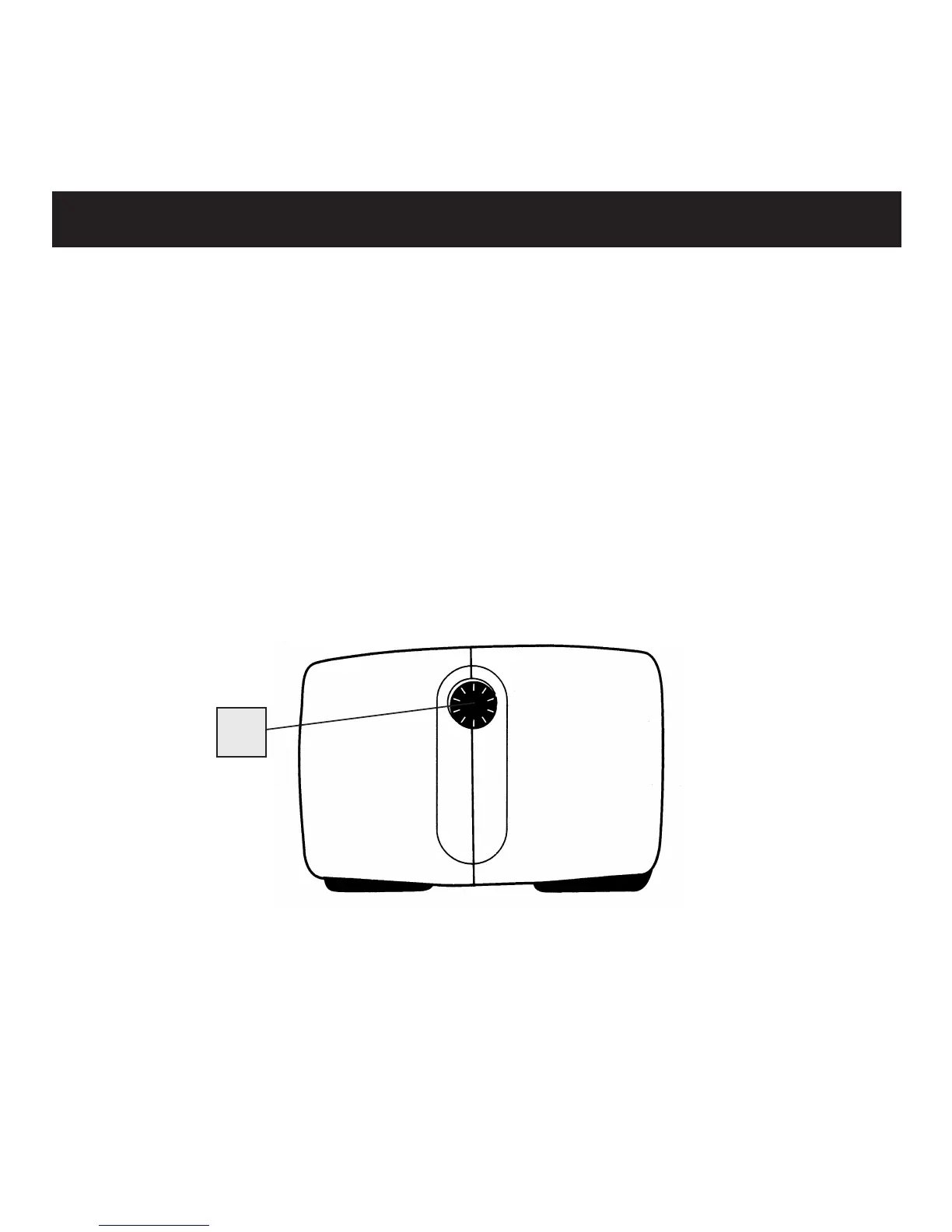
1. Rotate wheel (C) to set right eyepiece to zero, then look at a
distant object.
2. Cover right objective (front) lens with your hand, then rotate
central focusing wheel (B) until the image in the left eyepiece
is sharp. Keep both eyes open when making this adjustment.
3. Cover left objective (front) lens with your hand, then rotate
wheel (C) until the image in the right eyepiece is sharp.
4. The image is now focused to your eye strength. Note the
diopter setting for future reference.
Diopter Setting and Central Focusing
C


 To Next Page