Using the Adapter
1. Plug the adapter into any standard wall outlet (120V AC).
2. Turn the ON/OFF switch to the ON position.
Using Batteries
1. Remove the battery cover from the bottom of the unit.
2. Install 4 new AA batteries, observing proper +/- polarities, as
indicated in the battery compartment. (For an illustration, see
“Operating Instructions.”)
3. Replace the battery cover and lock into position.
4. Turn the ON/OFF switch to the ON position.
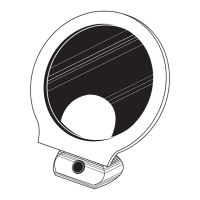
Adjusting Mirror
To adjust the angle of the mirror, carefully move the mirror head
until the desired position has been reached.
Quick Start


 To Next Page