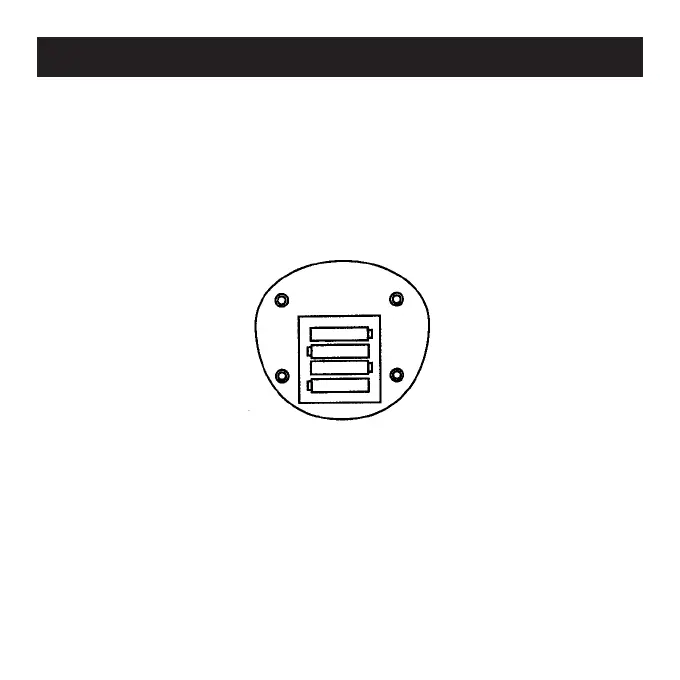
1. Remove the battery cover from the bottom of the unit.
2. Install 4 new AA batteries, observing proper +/- polarities,
as indicated in the battery compartment. (See Fig. 1.)
3. Replace the battery cover and lock into position.
4. Turn the ON/OFF switch to the ON position.
Figure 1
Installing Batteries


 To Next Page