13
Recording:
1. Connect your Video Grabber to the video source.
2. Turn on the video source.
3. Turn on your Video Grabber
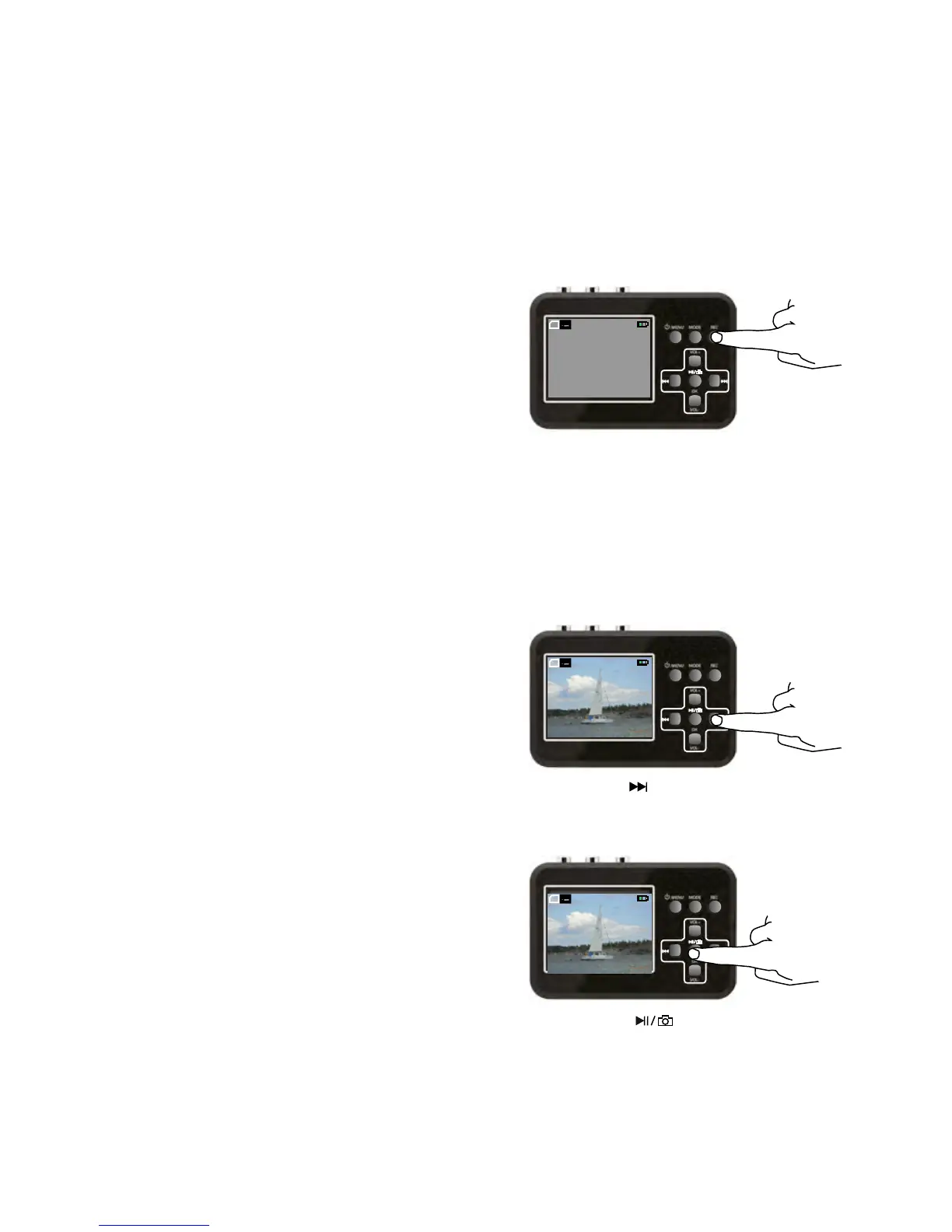
4. Press the REC button to begin recording.
The counter in the top
right-hand corner of the
screen turns red.
5. Press PLAY on the video source to begin playing your
video. The film is now also visible on the screen on
your Video Grabber.
While your film is being recorded, you can do
the following:
a. Record the film without
sound.
b. Take snapshots
6. Press the REC button to stop and save the recording.
OK
VOL-
VOL+
TF
VGA PAL
00:51:09
VOL 4
Press the button.
Press it once more and the sound
is once again recorded.
OK
VOL-
VOL+
TF
VGA PAL
00:51:09
VOL 4
Press the button. The
snapshot is automatically given a
serial number as its file name.
OK
VOL-
VOL+
TF
VGA PAL
00:51:09
VOL 4


 To Next Page