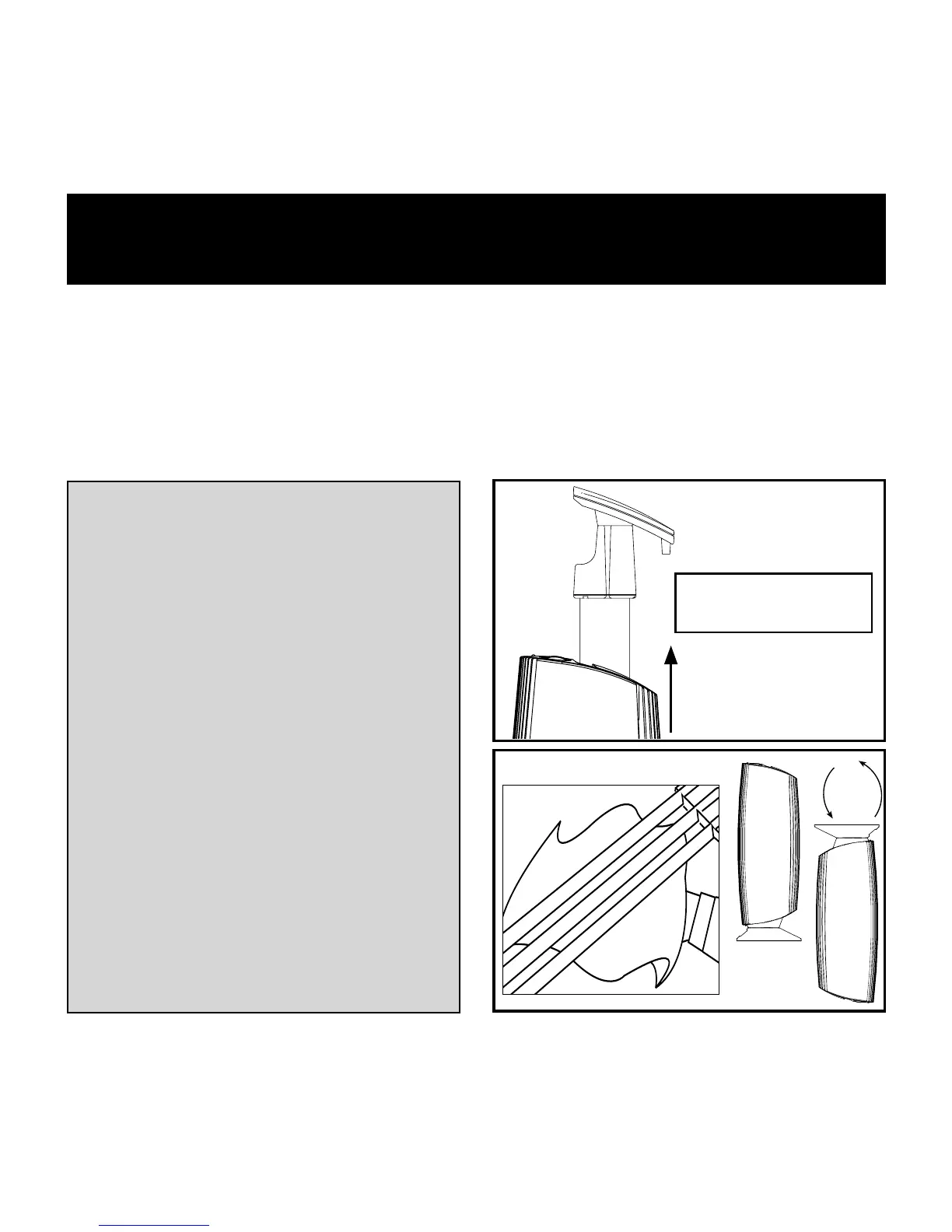
Cleaning the Collection Grid
Unplug the unit before
cleaning.
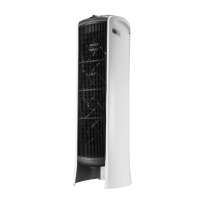
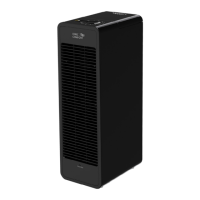
Remove the collection grid
by pulling it from the top
of the unit.
Use a dry or slightly damp
towel or sponge to quickly
wipe the dust from each of
the three collection bars.
Invert the entire unit for
two or three times before
replacing the grid.
Cleaning the grid every one or two weeks. As a reminder, the
cleaning indicator light will turn amber after two weeks. If
the cleaning indicator light turns red, the unit has shut down
because of excessive dirt or circuitry problems. In most cases a
thorough cleaning will return the unit to normal operation.
COLLECTION
GRID
2X
I
o


 To Next Page