General Instructions
Setup and Operation
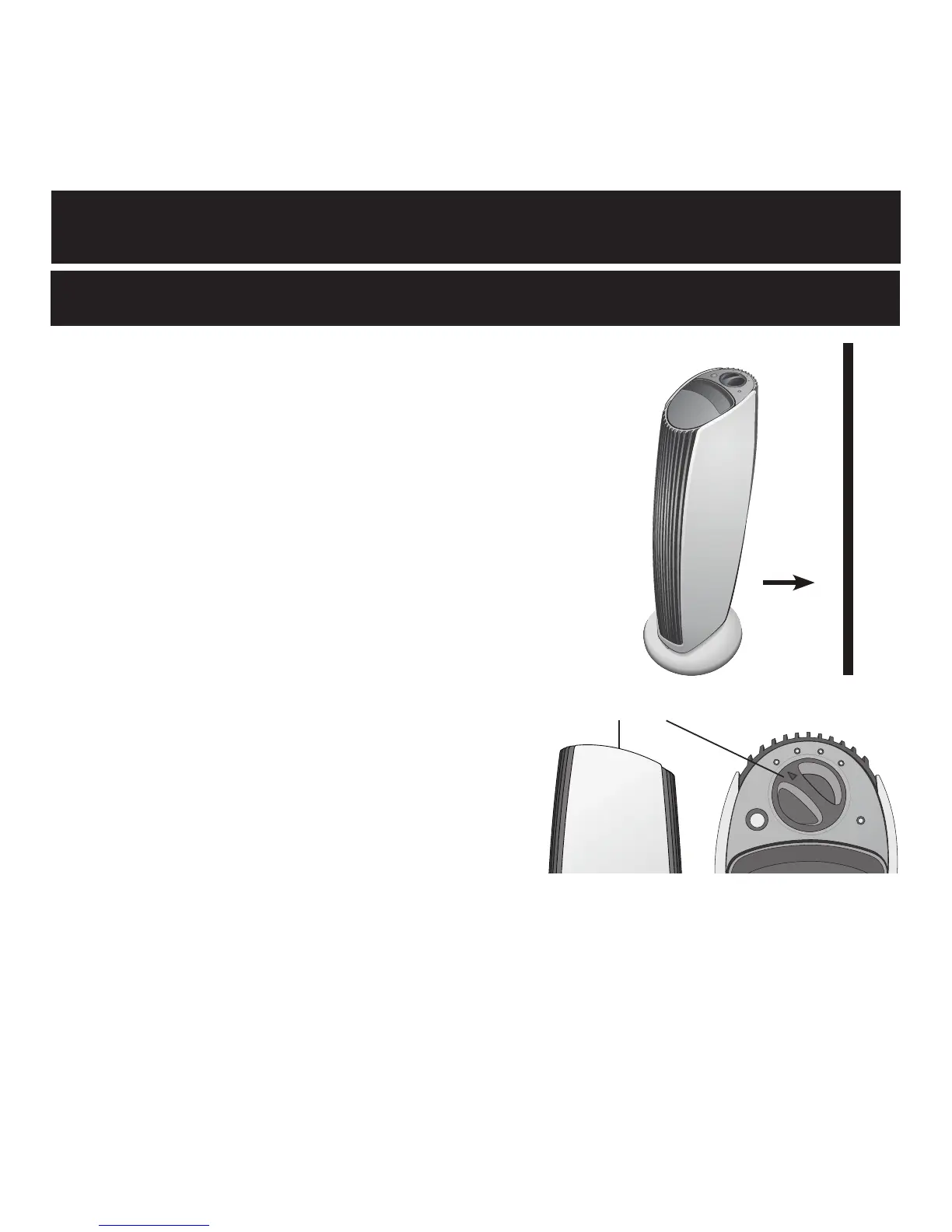
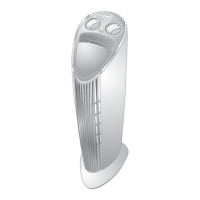
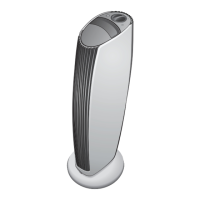
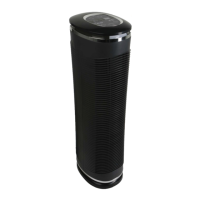
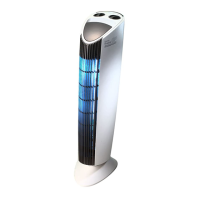
Place The Sharper Image Quadra on a
level surface, at least twelve inches from
the wall and furniture. Plug into a polarized
110V outlet. (Read Warnings for details.)
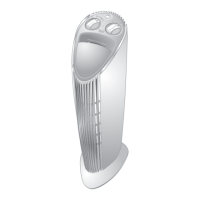
Switch the MODE CONTROL to the
desired setting:
LOW: For small rooms or rooms
where the door is usually closed.
MEDIUM: For average-sized rooms.
HIGH: For large rooms and higher
traffic areas.
These are recommended settings.
Adjust to your own comfort level.
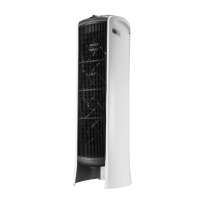
This model features 3 highly charged
collection blades separated by 2 oppositely charged “driver”
blades. This improves the particle capture rate.
12"
Mode Control
9


 To Next Page