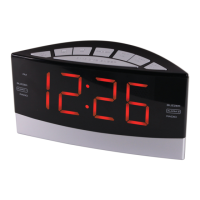
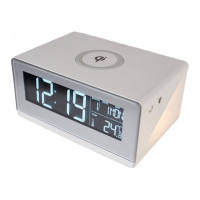
Setting the Alarm
Press MODE.
(Alarm time and icon fl ashes on
the display.)
Press 1 to decrease hours, 2 to
increase.
Press 3 to decrease minutes, 4 to
increase.
Press and hold buttons to rapidly
change the setting.
Press 5 to change and select
alarm volume. (LO/Soft, HI/Loud,
UP/Ramp-up.)
Press ALM ON/OFF to activate
or deactivate the alarm. (Icon is
visible if alarm is activated.)
If no additional buttons are
pressed, the setting is saved and
the display returns to normal.
BUTTONS
1, 2, 3 & 4
Adjust Alarm
Time
ALARM ON/OFF
Activate/Deactivate
Alarm
BUTTON
5
Adjust Alarm
Volume
Options



 To Next Page