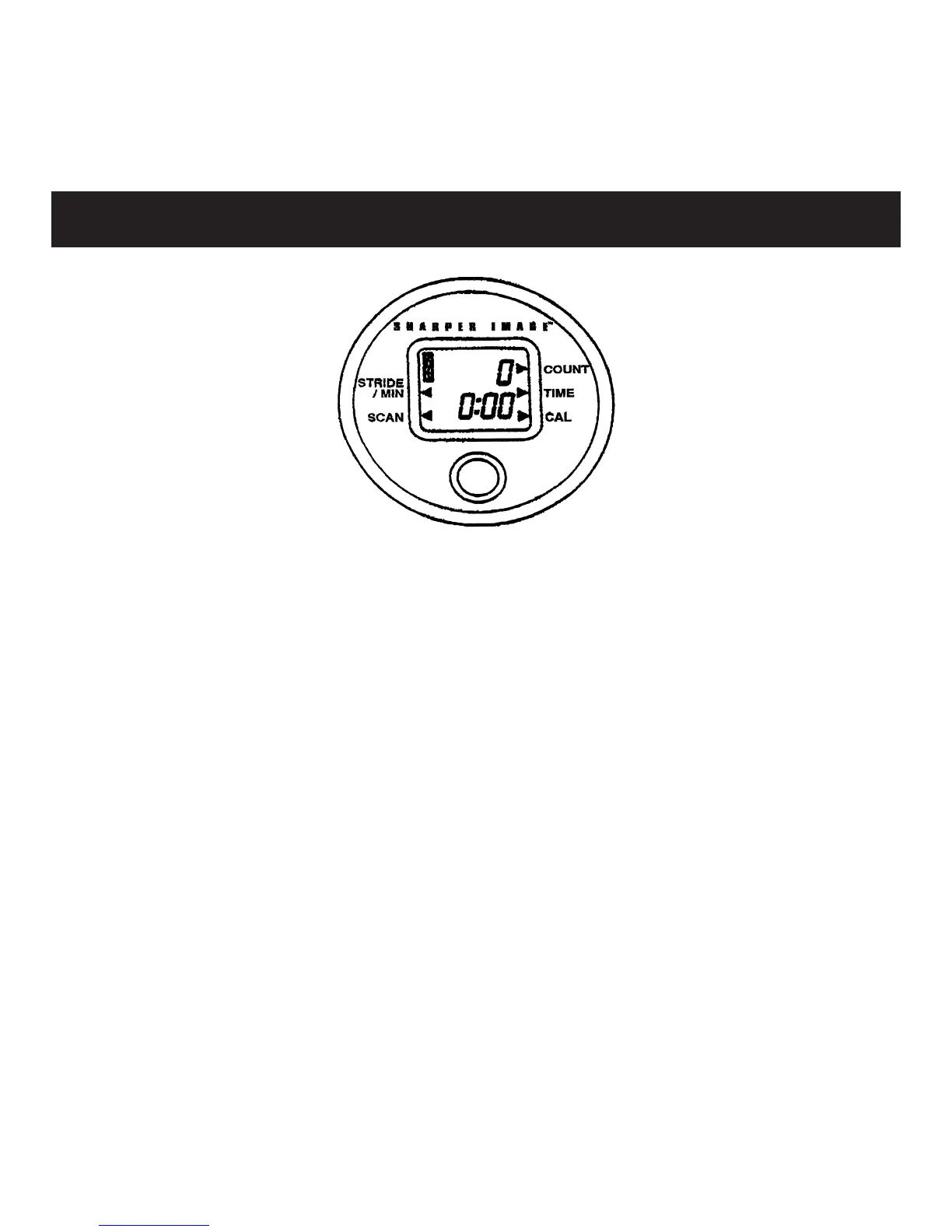
Press gray button under LCD to select each function. Hold but-
ton for 3 seconds to reset all values to 0. Triangles on LCD point
to activated functions. Computer turns off automatically after
4 minutes of inactivity.
TIME — counts exercise time from 0:00 to 99:59 in one-second
increments.
COUNT — counts the number of strides taken during each
workout.
CALORIES — calculates the approximate number of calories
burned during workout.
STRIDES/MIN — counts the number of strides taken per minute
during workout.
SCAN — automatically displays each function in sequence.
Using Computer


 To Next Page