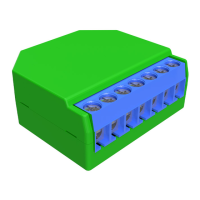
Shelly devices settings
After your Shelly device is included in the app, you can control it, change its settings
and auto mate the way it works.
To switch the device on and off, use the Power button. To enter the details menu of
the device, click on it’s name. From there you may control the device, as well as edit
its appearance and settings.


 To Next Page