3. Parameter Setting(Shortcut Operation):
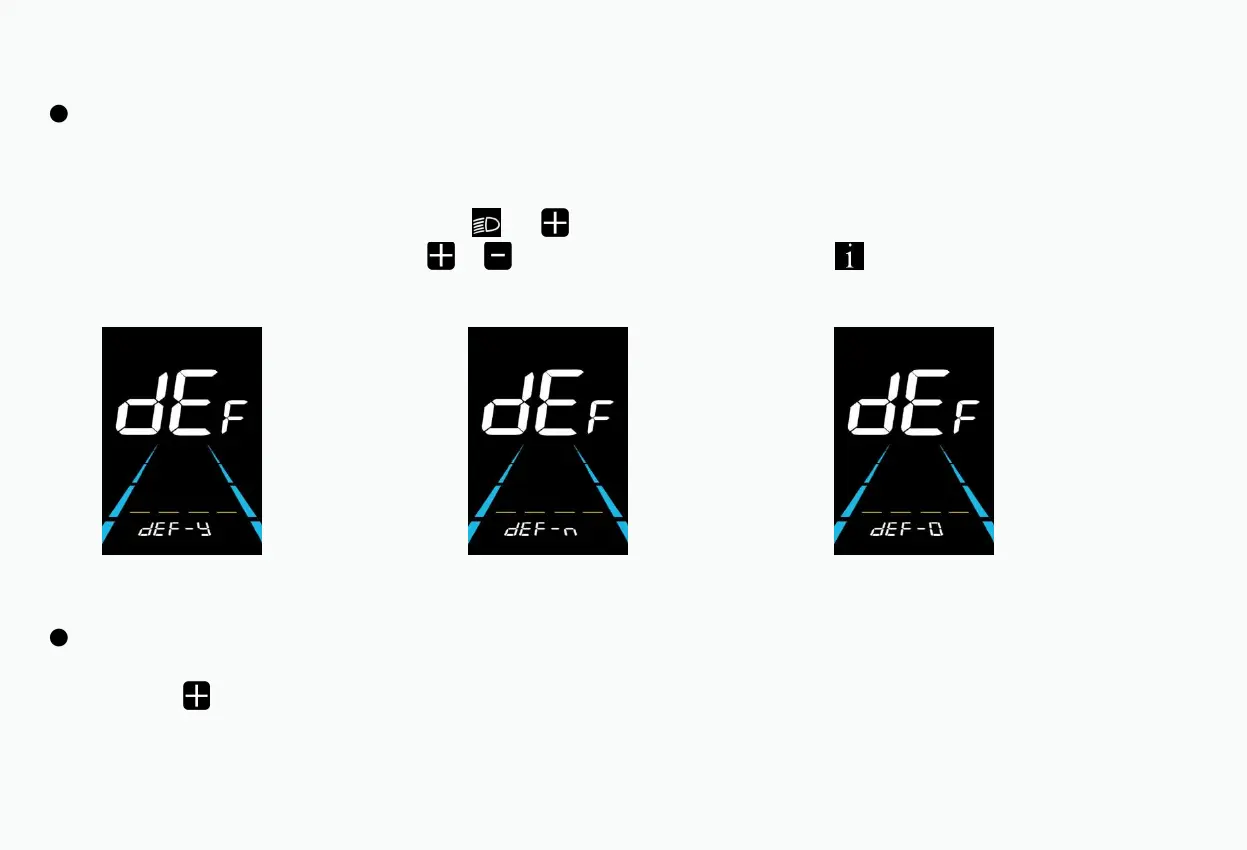
DEF is the option to restore the factory default parameters, dEF-Y means that the default parameters need to be restored, and dEF-N means
that there is no need to restore the default parameters.
When the main interface speed is 0, press and hold the and keys simultaneously for more than 2 seconds to enter the factory default
parameter restoration interface. By short pressing or key to switch, if Y is selected, press the key briefly to confirm. The meter
will display dEF-0 for a period of time and automatically start to restore the factory default settings.
After the restoration to default is completed, it will automatically exit and return to the normal display interface.
Dual Drive Quick Switching Operation
Press and hold the button for 3 seconds to switch the motor drive mode to achieve different drive mode experiences.
P1 →Single front-wheel drive mode P2 →Single rear-wheel drive mode P3 →Dual drive mode
(DEF is shown in the picture)
Restore default settings interface



 To Next Page