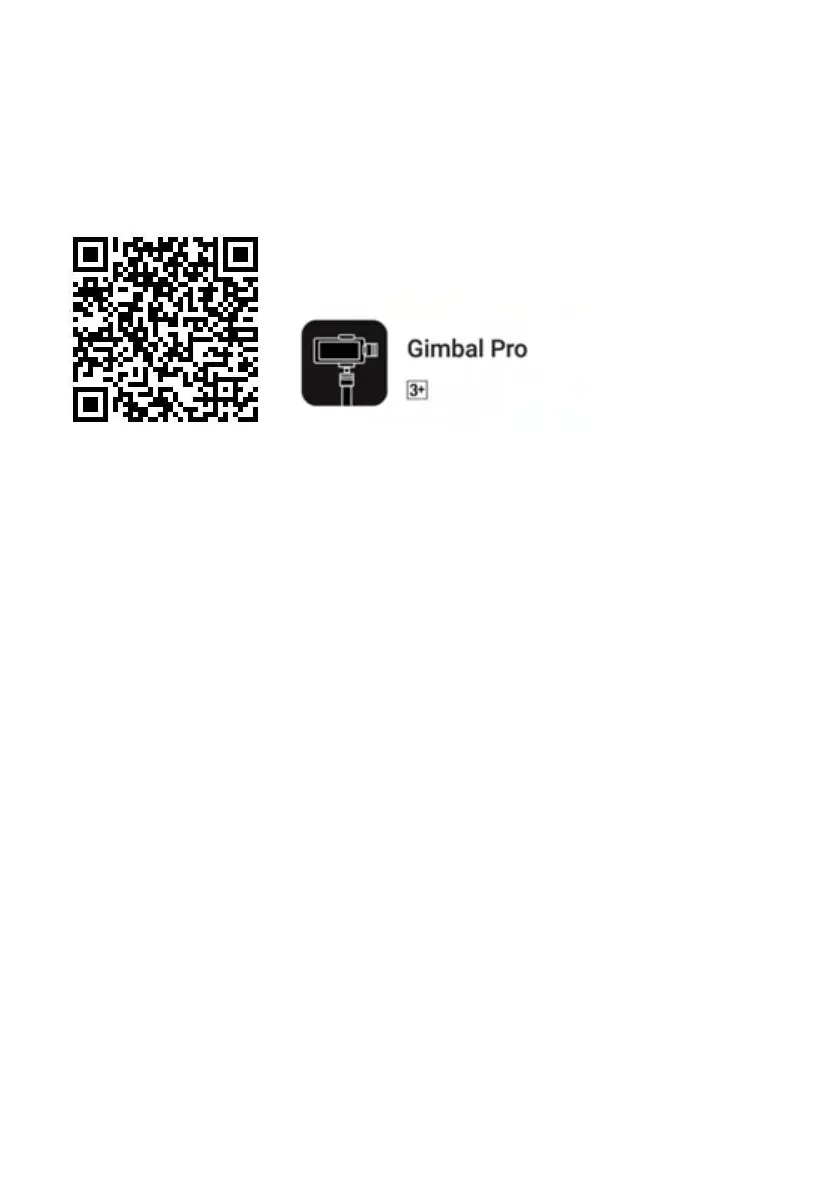
HOW TO DOWNLOAD APP
1.Scan QR Code (For Android +iOS) and download below APP for accessing.
2. Find the “Gimbal Pro” App on Google Play & APP Store
BLUEBOOTH CONNECTION
1. USING SMARTPHONE’S CAMERA
Step 1: Power on the stabilizer
Step 2: Turn on Bluetooth in your smartphone setting.
Step 3: Find the Bluetooth name ‘Stabilizer_xxxxxx ’ to pair the Bluetooth.
3. USING APP
Step 1: Power on the stabilizer
Step 2: Turn on Bluetooth
Step 3: Get into the APP searching device, find the device name
"STABILIZER_xxxxxx", then click device name to enter the camera interface.


 To Next Page