Watch function description
Side button: press and hold for 3 seconds to turn on and off; short press any button
on any page to return to the dial; short press to turn off the screen on the dial page.
Swipe up to enter a message notification.
Swipe down to enter the shortcut menu. (Turn on Bluetooth for U68-Audio here)
Swipe left to enter the menu interface.
Slide the dial interface to the right to enter the audio interface.
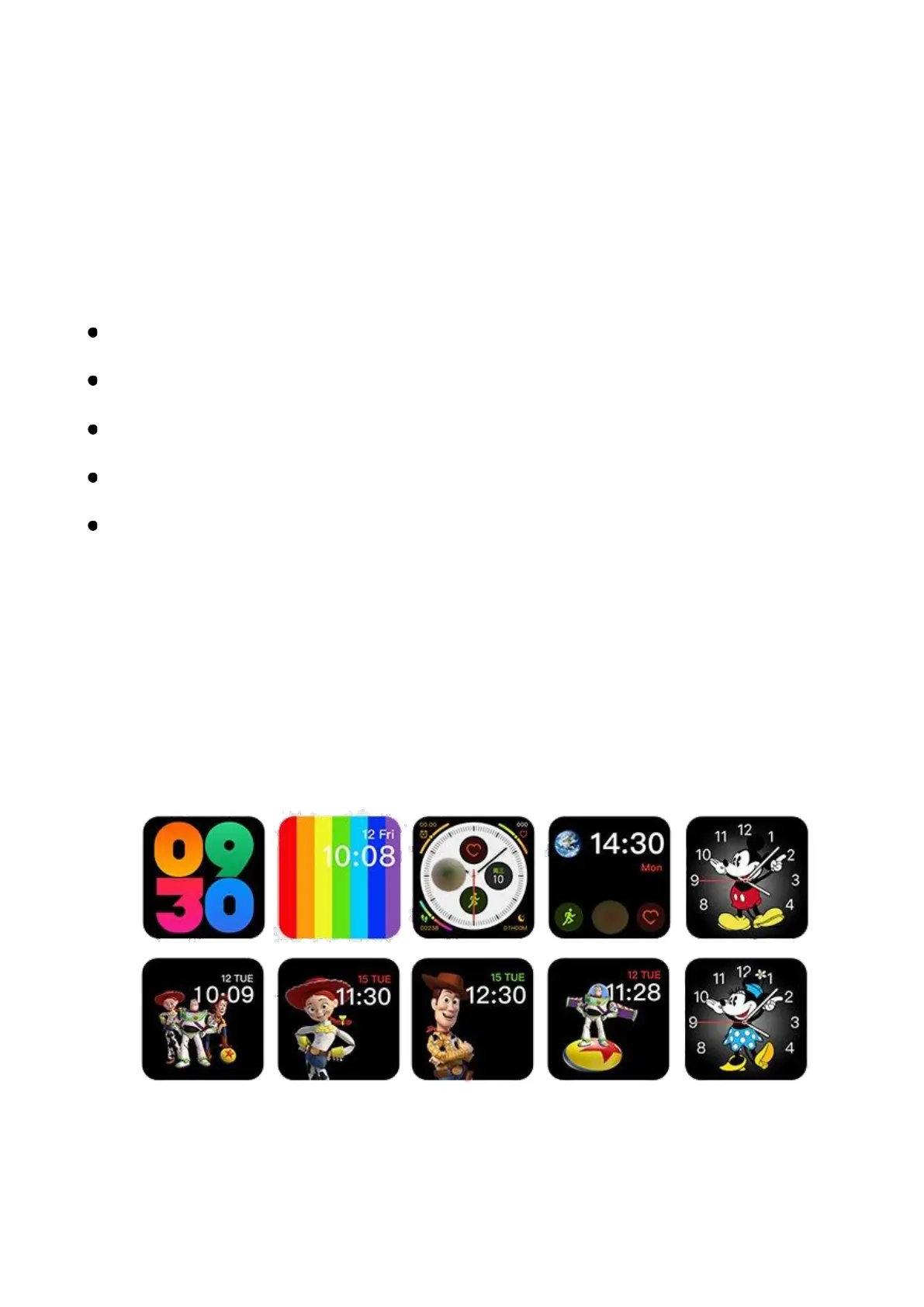
Press and hold for 3 seconds to select different dial pads.
Features
Change faces
On main screen, touch the screen to browse the faces.


 To Next Page