EasyManua.ls Logo

Shimadzu EP-80 - User Manual

Shimadzu EP-80
30 pages
Print Icon
To Next Page IconTo Next Page
Loading...
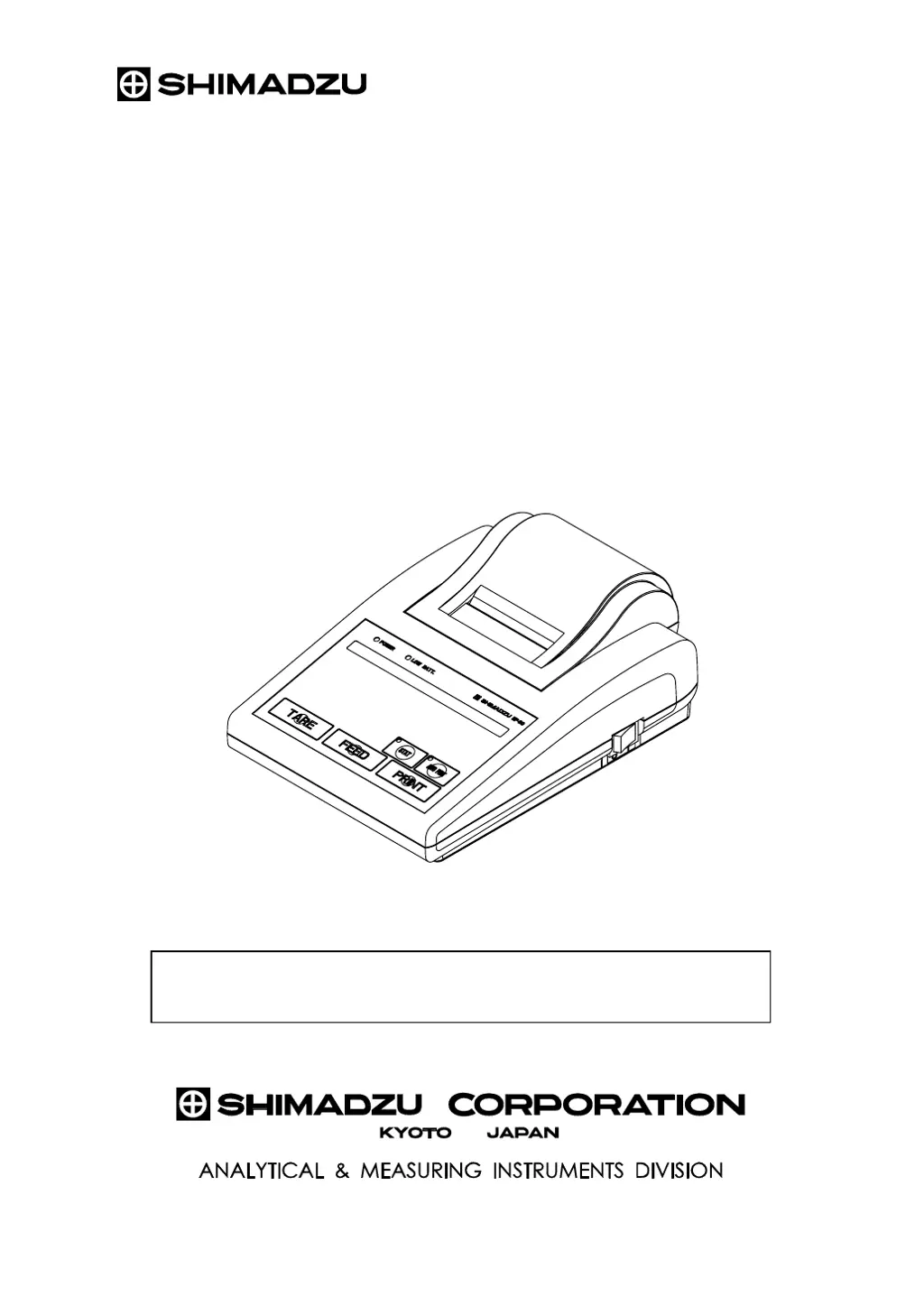
Shimadzu Electronic Printer
Instruction Manual
EP-80
Read the instruction manual thoroughly before you use the product.
Keep this instruction manual for future reference.
321-62706-21B
Nov. 2008

Questions and Answers

  • E
    Elizabeth MitchellAug 11, 2025
    Why does the Shimadzu Printer power lamp not light up?
    • J
      James BaileyAug 11, 2025
      The power lamp might not light up on your Shimadzu Printer due to several reasons: the AC adapter might not be properly connected, so check its connection. The AC adapter might not be receiving power, ensure it is plugged into a working outlet. Alternatively, the batteries might be out and need replacement.
  • J
    Justin BrownAug 17, 2025
    What to do if no data can be received from the balance on my Shimadzu Printer?
    • H
      Heather ChandlerAug 17, 2025
      If your Shimadzu Printer isn't receiving data from the balance, consider these potential causes and solutions: 1. The connection cable may be disconnected. Turn off both the printer and the balance, then reconnect the cable securely. 2. The balance might be displaying a menu or is not active for sending data. Ensure the balance is active and not displaying any menus. 3. The DIP switch settings may not have been made effective. Set the DIP switch while the power is off, and then turn the power back on. 4. The sequence of switching power of the printer and the balance was wrong. Please, consult section 3.4 'Connecting the Balance'.
  • S
    sheaamyAug 23, 2025
    What to do if no key entry can be made on Shimadzu EP-80?
    • B
      bowersjeremyAug 23, 2025
      If you cannot make any key entries on your Shimadzu Printer, it might be because a printout is in progress, so wait for it to complete. Alternatively, data might be being received from the balance; wait until the data reception is finished.
  • T
    Tanya RangelAug 30, 2025
    How to fix printed characters deviation and no paper feed on Shimadzu EP-80?
    • J
      Jimmy MontgomeryAug 30, 2025
      If the printed characters are deviating, and no paper feed is occurring on your Shimadzu Printer, a paper jam may be the cause. Try reloading the printer paper.
  • J
    Jon TuckerSep 5, 2025
    Why no key switch on the balance works with Shimadzu EP-80?
    • S
      Shelly Tyler DDSSep 5, 2025
      If no key switch on the balance works with your Shimadzu Printer, it indicates a potential data I/O error. Try switching off the printer and then switching it on again.

Shimadzu EP-80 Specifications

General IconGeneral
BrandShimadzu
ModelEP-80
CategoryPrinter
LanguageEnglish

Related product manuals