22
Items configurable in E-TUBE PROJECT
The items that can be set differ according to the assist bicycle. Refer to the help manual for E-TUBE PROJECT for details.
•
The functions assigned to each operation switch can be changed.
•
The settings that can be configured from this product can also be configured from E-TUBE PROJECT.
Recovering from the RD protection function
In order to protect the system from falls etc., the RD Protection function will operate when the rear derailleur is
subjected to a strong impact. The connection between the motor and the link will be momentarily severed so that the
rear derailleur can no longer operate.
When RD Protection Reset is run, it will restore the connection between the motor and the link, and recover the rear
derailleur from RD Protection.
• This function is enabled for electronic gear shifting rear derailleur models only.
1.
Hold the button down (for roughly eight seconds)
until LED1 flashes red.
Once LED1 is flashing, release the button. When only
LED1 is flashing red, the system is in the RD protection
reset mode.
2.
Rotate the crankarm.
Connection of motor and the link is restored.
LED2
LED1
Button
Gear shifting adjustment with the electronic gear shifting unit
If gear shifting feels abnormal, contact the place of purchase.
Error indications
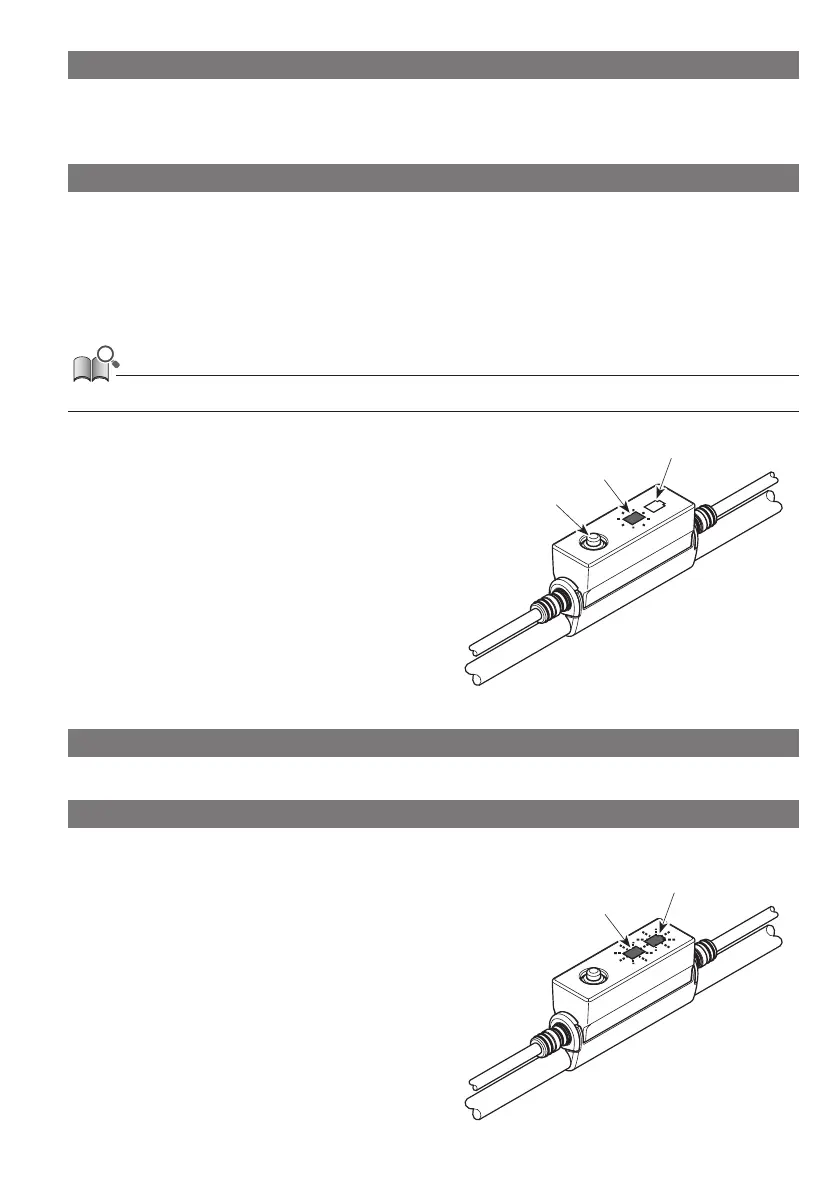
When an error occurs, the two LEDs on EW-EN100 will quickly flash red at the same time.
If this occurs, follow one of the procedures below to reset
the indication.
•
Press the battery power switch to turn the power OFF.
•
Remove the battery from the mount.
If the situation does not improve even after turning the
power back ON, contact your place of purchase or the
distributor.
LED2
LED1



 To Next Page