EasyManua.ls Logo

Shining 3D EinScan Pro HD - Capture and Edit Scan

Shining 3D EinScan Pro HD
138 pages
Print Icon
To Next Page IconTo Next Page
To Previous Page IconTo Previous Page
Loading...
---Nov

5.2. Scan with Fixed Mode
5.2.1. Capture
space bar
      



During the scan you should see LED flashing followed by projected stripes.
5.2.2. Edit Scan

SHIFT + Left mouse: 

Ctrl + Left mouse: 
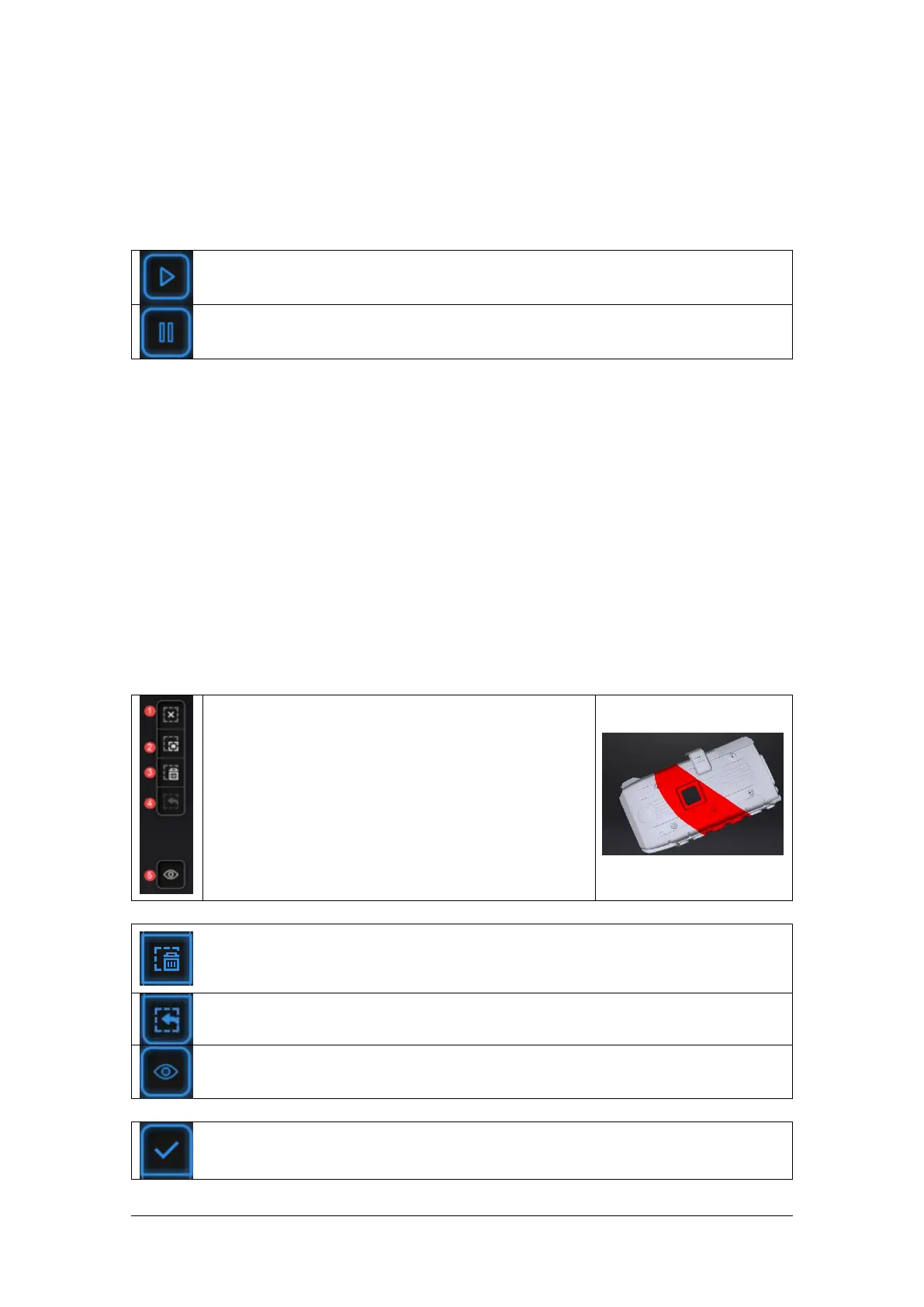
Edit buttons:
①Deselect
②Revert
③Delete
④Undo
⑤Show/Hide texture (color pack only)
⑥Shift + Left mouse: choose data
⑦Ctrl + Left mouse: deselect selected data
Delete selected data
            

Undo

Show/Hide Stripes (for data with color texture only)

space bar -


Table of Contents

Related product manuals