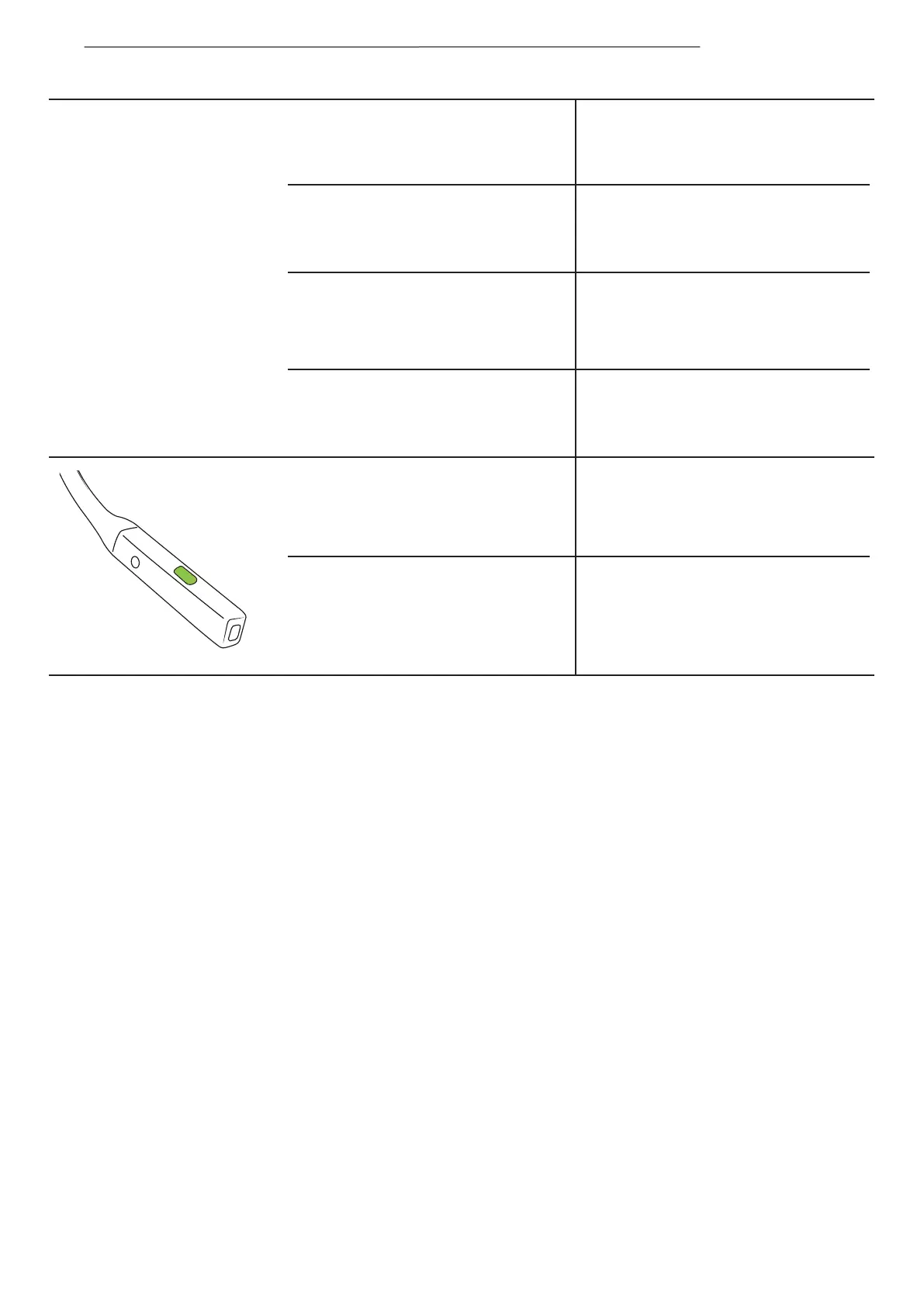
Mute microphone
Unmute microphone
Click once when on a call
*Audrey will say, “mute on”.
Click once when on a call
*Audrey will say, “mute off”.
Answer an incoming call and
place the current on hold
Switching between two calls
Ending a call and switching
to a call on hold
Activate voice assistant
Click once when receiving
a second call
Click once
Press and hold for 2 seconds
Press and hold for 2 seconds when
the device is on standby
MUSIC AND CALLS
11


 To Next Page