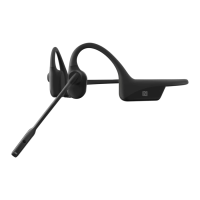
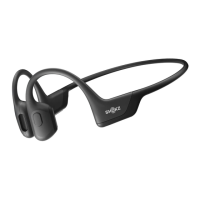
OpenComm2 UC by Shokz
Settings
BLUETOOTH
Operate controls with your headset powered off.
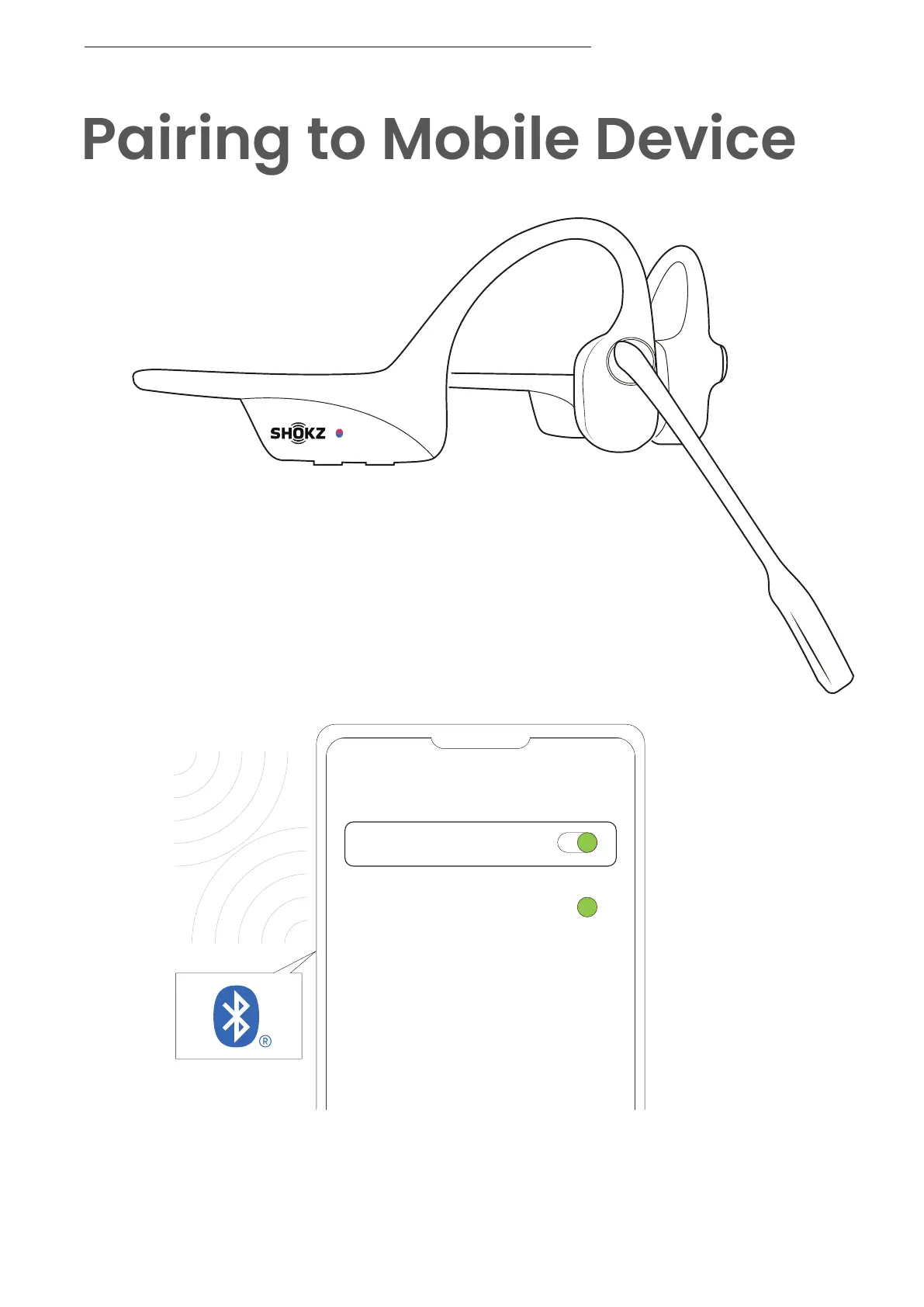
1. Start with your headset turned off.
2. Press and hold the Volume + Button until the LED
Indicator flashes red and blue alternately.
3. Select "OpenComm2 UC by Shokz" on your device's
Bluetooth settings. Audrey will say, "Connected".
PAIRING TO MOBILE DEVICE
06


 To Next Page