EasyManua.ls Logo

Shop fox W1864 - User Manual

Shop fox W1864
76 pages
Print Icon
To Next Page IconTo Next Page
Loading...
OWNER'S MANUAL
(FOR MODELS MANUFACTURED SINCE 02/19)
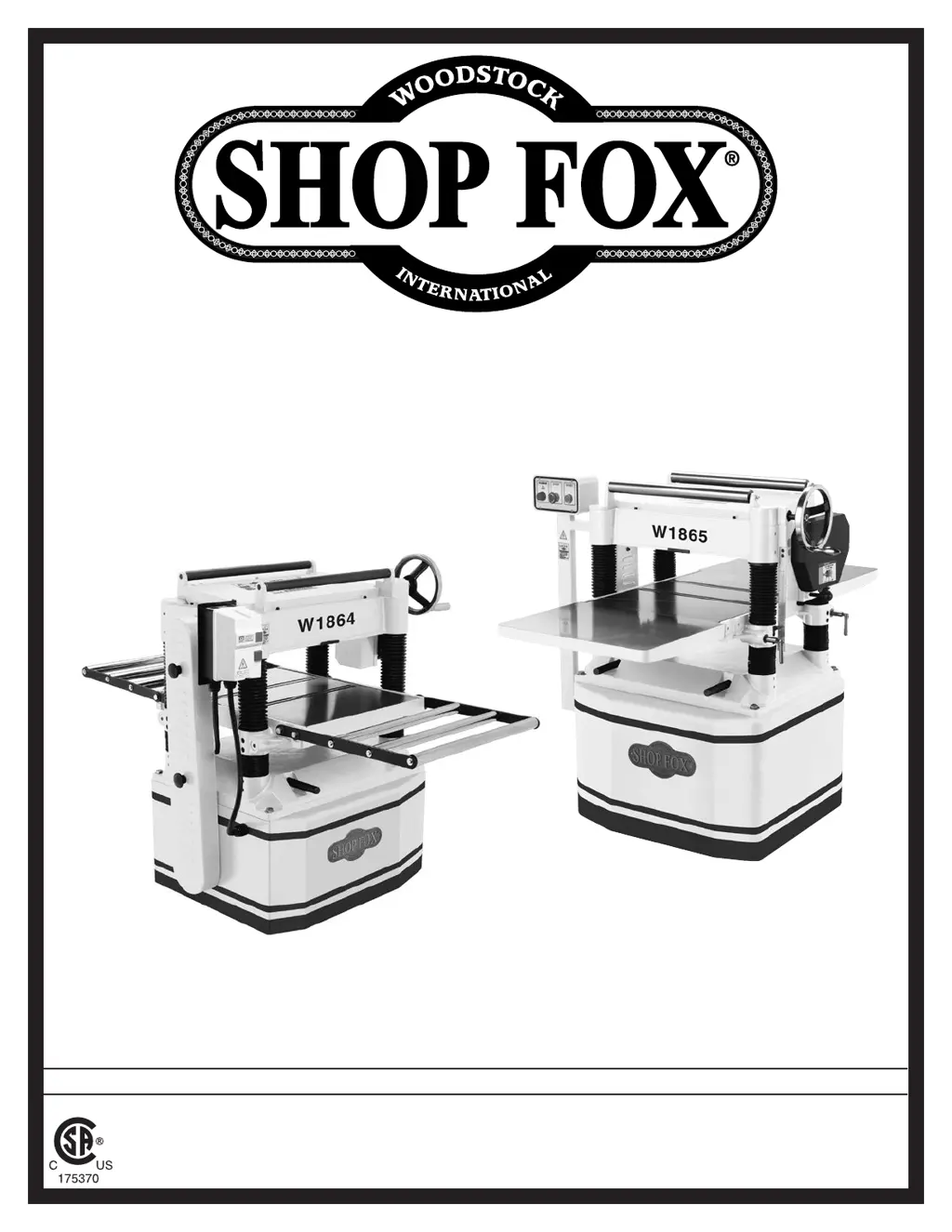
MODEL W1864 & W1865
20" PLANERS
Phone: (360) 734-3482 • Online Technical Support: techsupport@woodstockint.com
COPYRIGHT © DECEMBER, 2018 BY WOODSTOCK INTERNATIONAL, INC. REVISED FEBRUARY, 2019.
WARNING: NO PORTION OF THIS MANUAL MAY BE REPRODUCED IN ANY SHAPE OR FORM WITHOUT
THE WRITTEN APPROVAL OF WOODSTOCK INTERNATIONAL, INC.
#WK20085  Printed in Taiwan

Table of Contents

Questions and Answers

  • J
    Jill CantrellAug 31, 2025
    How to fix vibration in Shop fox W1864 Planer?
    • G
      gordonkatrinaAug 31, 2025
      If your Shop Fox Planer is vibrating or operating noisily, here are some potential causes and solutions: * Inspect and tighten any loose bolts or nuts on the motor or other components. Replace any damaged components. * Tension or replace the V-belts as a matched set if they are worn, loose, or slapping the cover. * Re-align or replace the shaft, pulley set screw, and key if the pulley is loose. * Test by rotating shaft; rotational grinding/loose shaft requires bearing replacement. * Adjust or replace the centrifugal switch/contact points if available.
  • K
    Kylie LamNov 10, 2025
    What to do if my Shop fox W1864 does not start?
    • J
      Joe ByrdNov 10, 2025
      If your Shop Fox Planer doesn't start or the power supply breaker trips immediately, here's what you can check: * Ensure the STOP button is not depressed. Rotate the button head to reset it, and replace it if it's faulty. * Verify you're using the correct power supply voltage and circuit size. * Check if the thermal overload relay has tripped. Reset it, adjust the trip load dial if needed, or replace the relay. * See if the power supply circuit breaker has tripped or a fuse has blown. Make sure the circuit is correctly sized and free of shorts. Reset the breaker or replace the fuse. * Inspect the motor wires to ensure they are connected correctly. * Check for any broken, disconnected, or corroded wires and fix them. * Replace the START button switch if it's faulty. * Test ...
  • S
    Stanley LynnNov 19, 2025
    Why is my Shop fox W1864 stalling?
    • D
      David RamosNov 19, 2025
      If your Shop Fox Planer is stalling or seems underpowered, consider the following: 1. Reduce the feed rate or depth of cut if the machine is undersized for the task. 2. Ensure you are only cutting wood with a moisture content below 20%. 3. Allow the motor to cool and reset the overload if necessary, then reduce the depth of cut if the motor overheated, causing the thermal overload to trip. 4. Clean, tension, or replace the belts if they are slipping or have oil/grease on them. 5. Sharpen or replace the knives or inserts if they are dull. 6. Clear any blockages, seal leaks, use smooth wall duct, eliminate bends, and close other branches to address dust collection ducting issues. 7. Ensure the motor is wired correctly. 8. Test, repair, or replace the run capacitor if it's faulty. 9....

Shop fox W1864 Specifications

General IconGeneral
Motor Power3 HP
Planing Thickness6 inches
Cutter Head Speed5000 RPM
Voltage220V
Number of Knives3
Dust Port4 inches
Phase1 Phase
Maximum Depth of Cut1/8 inch
Feed Rate16 FPM
Knife Size1 x 1/8 inches

Related product manuals