EasyManua.ls Logo

Shop-Vac SC14 Series - User Manual

Shop-Vac SC14 Series
40 pages
Print Icon
To Next Page IconTo Next Page
Loading...
USER MANUAL
Series:
SC14
SC16
ATTENTION!
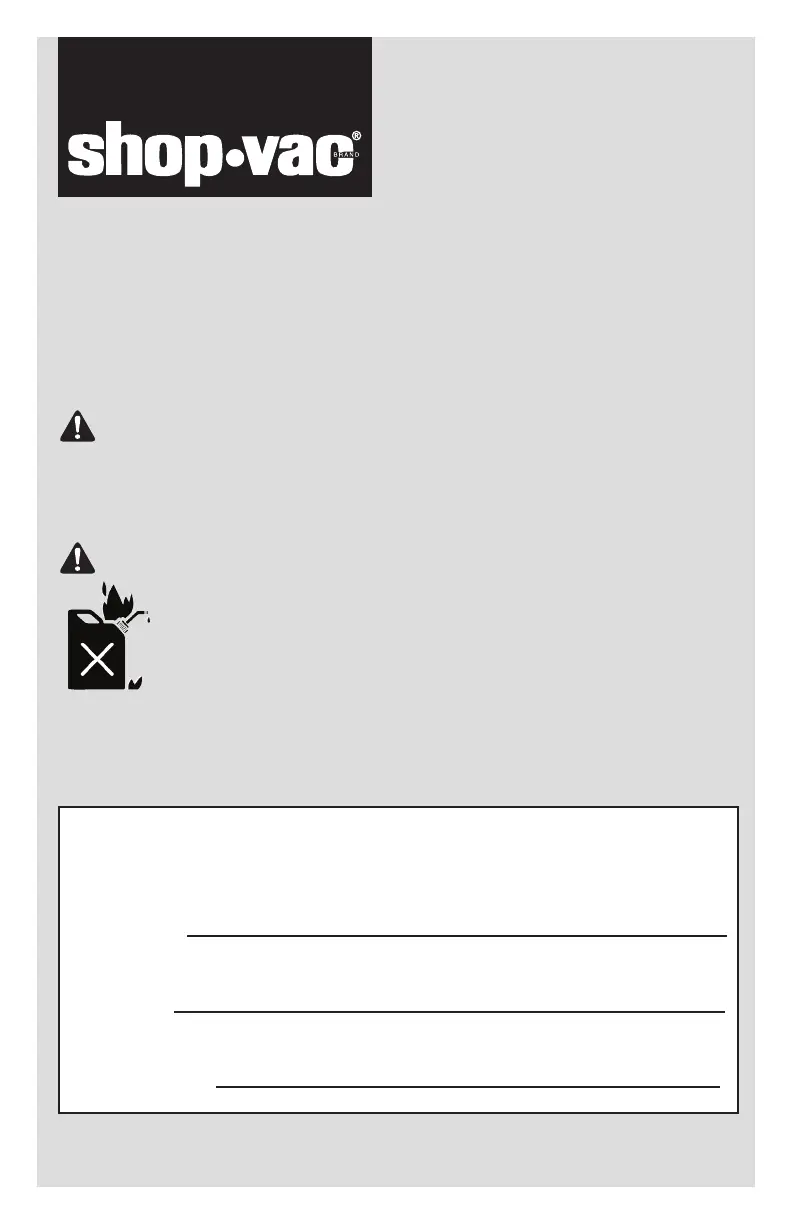
DANGER!
Read all safety rules carefully before attempting to operate. Retain for
future reference.
Never operate this unit when flammable materials or
vapors are present because electrical devices produce
arcs or sparks that can cause a fire or explosion. NEVER
OPERATE UNATTENDED!
For your records, please record the following information
and store this user manual in a safe location.
Catalog No.
Model No.
Purchase Date:
(Located on the carton)
(Located on top portion of the vacuum)
87552-49
Household and Workshop use
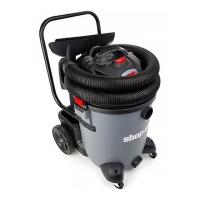
WET/DRY VACUUM

Questions and Answers

  • M
    munozmaryAug 10, 2025
    Why does my Shop-Vac Vacuum Cleaner lose suction or run hot?
    • J
      Jonathan JacksonAug 10, 2025
      Your Shop-Vac Vacuum Cleaner may lose suction or run hot due to several reasons: a clogged filter, a full tank, an air leak, a hole in the hose, or an obstruction in the hose or accessory. To resolve this, try the following: Clean or replace the filter, empty the tank, tighten hose and accessory connections, replace the hose if it has a hole, and remove any obstructions.
  • A
    Andrew RuizAug 17, 2025
    What to do if my Shop-Vac Vacuum Cleaner will not start?
    • P
      Patricia CallahanAug 17, 2025
      If your Shop-Vac Vacuum Cleaner won't start, the possible causes are: the power cord is not plugged into the outlet, there is no power at the outlet, or there is a defective switch or motor. Here are some steps to take: * Plug the cord into the outlet. * Try plugging the cord into another outlet. * If it still doesn't work, contact Shop-Vac® customer service.
  • J
    Johnathan PageAug 25, 2025
    Why is dust discharging from the tank cover of my Shop-Vac Vacuum Cleaner?
    • S
      Steven LawrenceAug 25, 2025
      Dust may discharge from the tank cover of your Shop-Vac Vacuum Cleaner if the filter is not properly installed, the filter is damaged, or the dust is too fine for the filter. To fix this, make sure the filter is properly installed, replace the filter if it's damaged, or add a high-efficiency disposable filter bag.
  • N
    natalie35Sep 1, 2025
    What to do if mist is discharging from the tank cover of my Shop-Vac SC14 Vacuum Cleaner?
    • S
      Steven LewisSep 1, 2025
      If mist is discharging from the tank cover of your Shop-Vac Vacuum Cleaner, it could be due to a saturated filter or a full tank. You can either allow the filter to dry or replace it with a dry filter. Also, make sure to empty the tank.

Summary

Introduction and Safety

Important Safety Instructions

Comprehensive safety guidelines, warnings, and precautions for operating the vacuum cleaner.

Grounding Instructions

Explains the importance of grounding and how to properly connect the appliance.

Operation and Maintenance

Set Up and Operation

Steps to set up the vacuum and prepare it for operation.

Filter Installation and Maintenance

Guidance on installing, cleaning, and maintaining various vacuum filters.

Dry Pick Up Operation

Notes on using the vacuum for dry pickup and filter requirements.

Troubleshooting and Warranty

Troubleshooting

Lists common problems, their causes, and solutions.

Shop-Vac SC14 Series Specifications

General IconGeneral
ModelSC14 Series
Tank Capacity14 Gallons
Voltage120 V
Hose Length7 Feet
TypeWet/Dry Vacuum
Amps12 Amps
Filter TypeCartridge Filter, Foam Sleeve

Related product manuals