Shure Incorporated
2/4
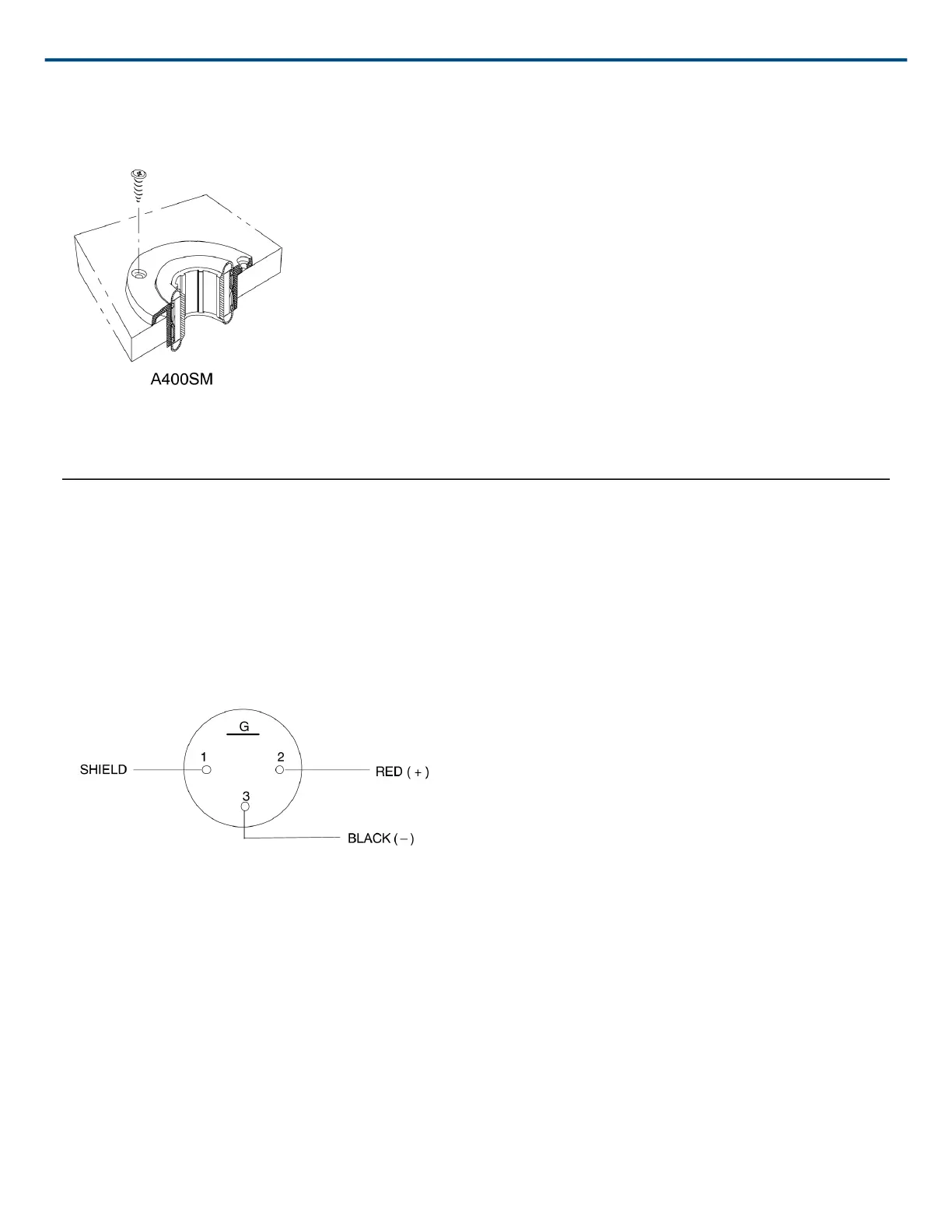
2. Use the shock mount as a template to drill pilot holes.
3. Fasten shock mount to surface with supplied screws.
Figure 2
Installing the A400SMXLR
1. Thread cable through grommet, shock mount and insert.
2. Connect cable to A400XLR Connector using two-conductor shielded microphone cable (Figure 3).
3. Snap connector into insert. Extend locking screw through hole by turning screw clockwise, locking XLR con
nector in place (Figure 4).
4. Insert connector/insert into shock mount. Stretch grommet over lip at bottom of insert to secure insert to shock
mount.
FIGURE 3: A400XLR CONNECTOR TERMINALS


 To Next Page