Shure Incorporated
7/13
Install or Remove the Stand Adapter
To mount the microphone on a 3/8 in. stand, insert the included brass stand adapter and tighten it with a coin or screwdriver.
Important: Make sure that the slots on the adapter face outward.
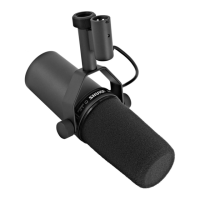
Adjust the Frequency Response Switches
You can use a pen, pencil, or screwdriver to move the switches on the back panel. This adjusts the frequency response.
Note: You can change the switch settings while the mic is in use or plugged in.


 To Next Page