USB Connection
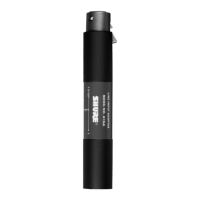
Connect to a powered USB port using a standard
cable (supplied).
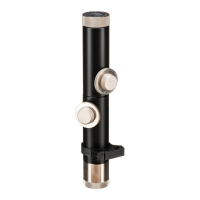
The green USB light should illuminate and the
plug-and-play driver will install automatically.
You are then ready to record with your favorite
audio software.
XLR Connection
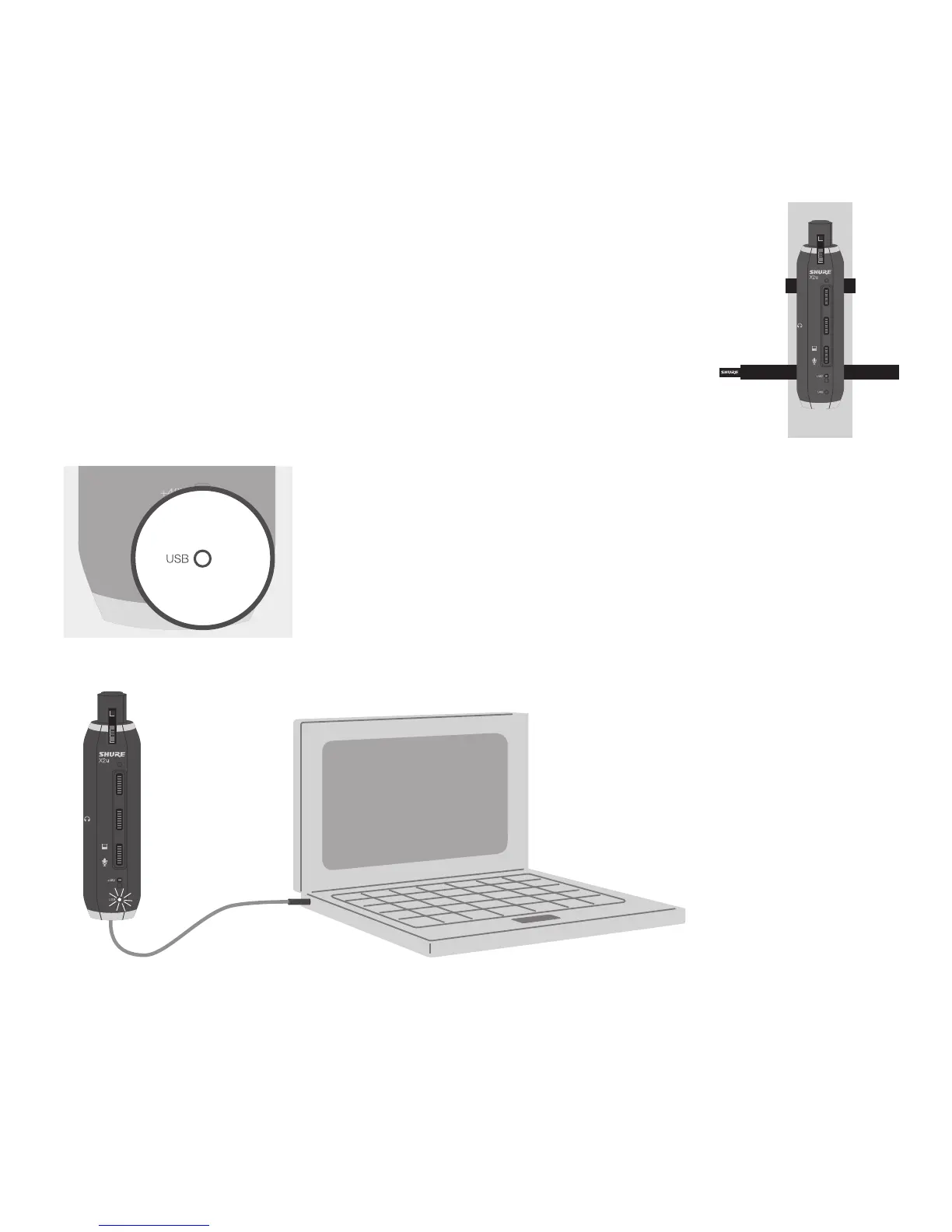
Connect directly to a microphone, or use an XLR cable and secure
the adapter to a microphone stand using the supplied straps.
Note: Make sure to use a powered USB port.


 To Next Page