
 To Next Page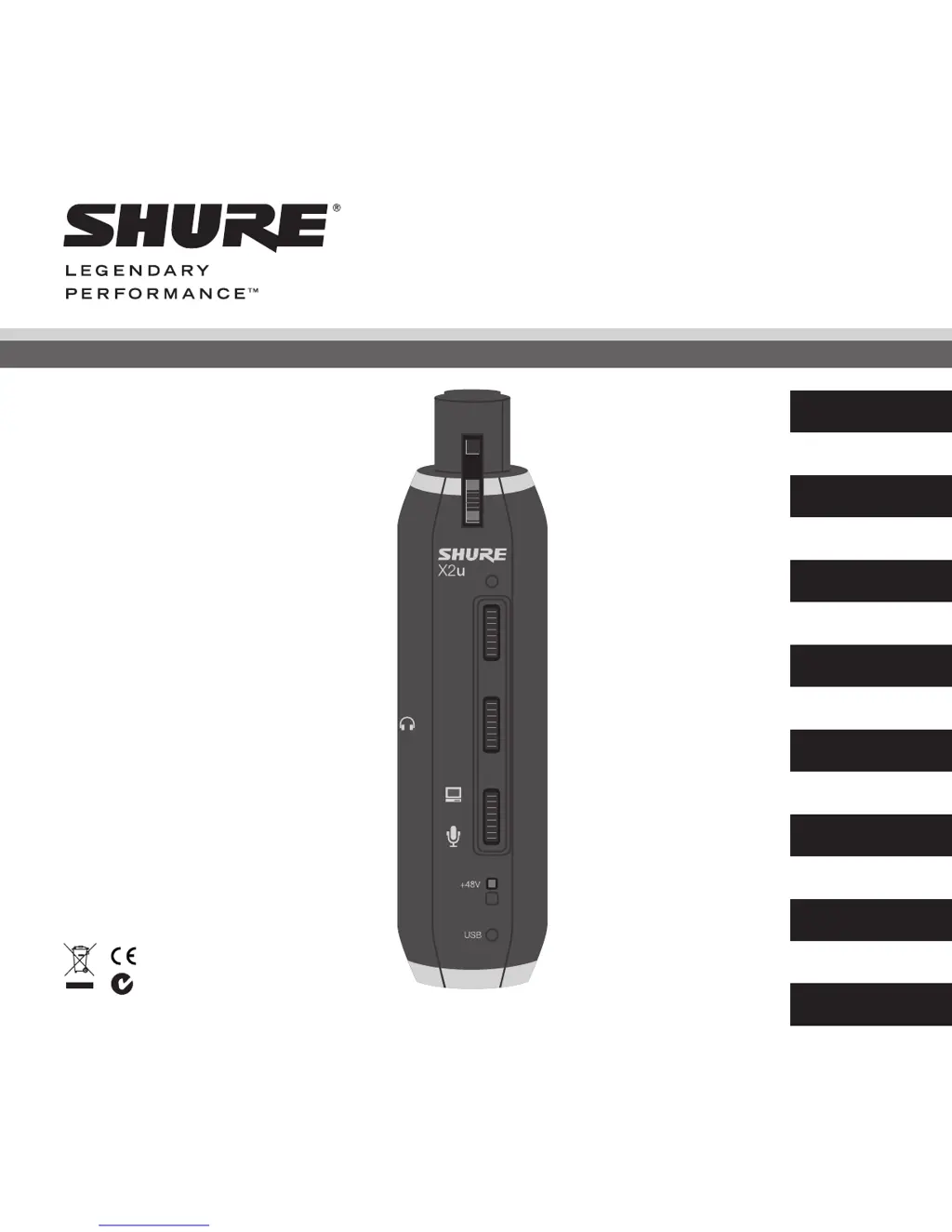

M
millerkennethAug 20, 2025
What to do if source sounds delayed on Shure Adapter?
- SsuttonkennethAug 20, 2025
If the source sounds delayed when using the Shure Adapter, try turning off software monitoring in the computer software.

What to do if source sounds delayed on Shure Adapter?
If the source sounds delayed when using the Shure Adapter, try turning off software monitoring in the computer software.
What to do if source sounds delayed in Shure X2U Adapter?
If the source sounds are delayed when using the Shure Adapter, disable software monitoring in your computer software.
What to do if sound is distorted using the Shure Adapter?
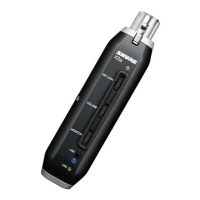
If the sound is distorted when using your Shure Adapter, try turning down the MIC GAIN.
What to do if source sounds delayed using Shure Adapter?
If the source sounds delayed when using the Shure Adapter, turn off software monitoring in the computer software.
What to do if there is no sound in headphones with Shure X2U?
If you are not getting any sound in your headphones when using the Shure Adapter, try adjusting the VOLUME or MIC GAIN thumb slider.
Why is the sound distorted on my Shure Adapter?
If the sound is distorted when using the Shure Adapter, try turning down the MIC GAIN.
Why is there no USB power indicator light on my Shure Adapter?
If the USB power indicator light is not on for your Shure Adapter, verify that the port is a powered USB 1.1 or 2.0.
What to do if sound is distorted on my Shure X2U Adapter?
If the sound from your Shure Adapter is distorted, try reducing the MIC GAIN.
How to make Shure X2U Adapter headphones louder?
If the headphones connected to your Shure Adapter aren't loud enough, here's what you can do: * **Windows:** Go to Control Panel, select Sound and Audio Devices, then the Audio tab. Click Volume under Sound playback and increase the Volume Control. * **Mac:** Open System Preferences, choose Sound, go to the Output tab, and increase the Output volume.
How to fix no USB power indicator light on Shure Adapter?
If the USB power indicator light is not on for your Shure Adapter, verify that the port is a powered USB 1.1 or 2.0 port.
Steps for setting up the driver on Windows systems.
Steps for setting up the driver on macOS systems.
Specification for the required USB port type and power.
Minimum required Random Access Memory for system operation.
List of compatible operating systems for the device.
 General
| Digital audio optical in | - |
|---|---|
| Audio (L/R) out | 0 |
| I/O ports | 1 x XLR\\r 1 x USB |
| Product color | Black |
| Card reader integrated | No |
| Compatible operating systems | Microsoft Windows 2000 Professional Japanese/English Edition\\r Microsoft Windows XP Home/Professional Japanese/English \\r Edition\\r Microsoft Windows Vista Business Japanese/English Edition\\r Apple Computer Mac OS X 10.0 or later English Edition\\r Apple Computer Mac OS X 10.1+ Japanese Edition |
| Power consumption | 500 mA |