EasyManua.ls Logo

Shure X2U - User Manual

Shure X2U
12 pages
Print Icon
To Next Page IconTo Next Page
Loading...
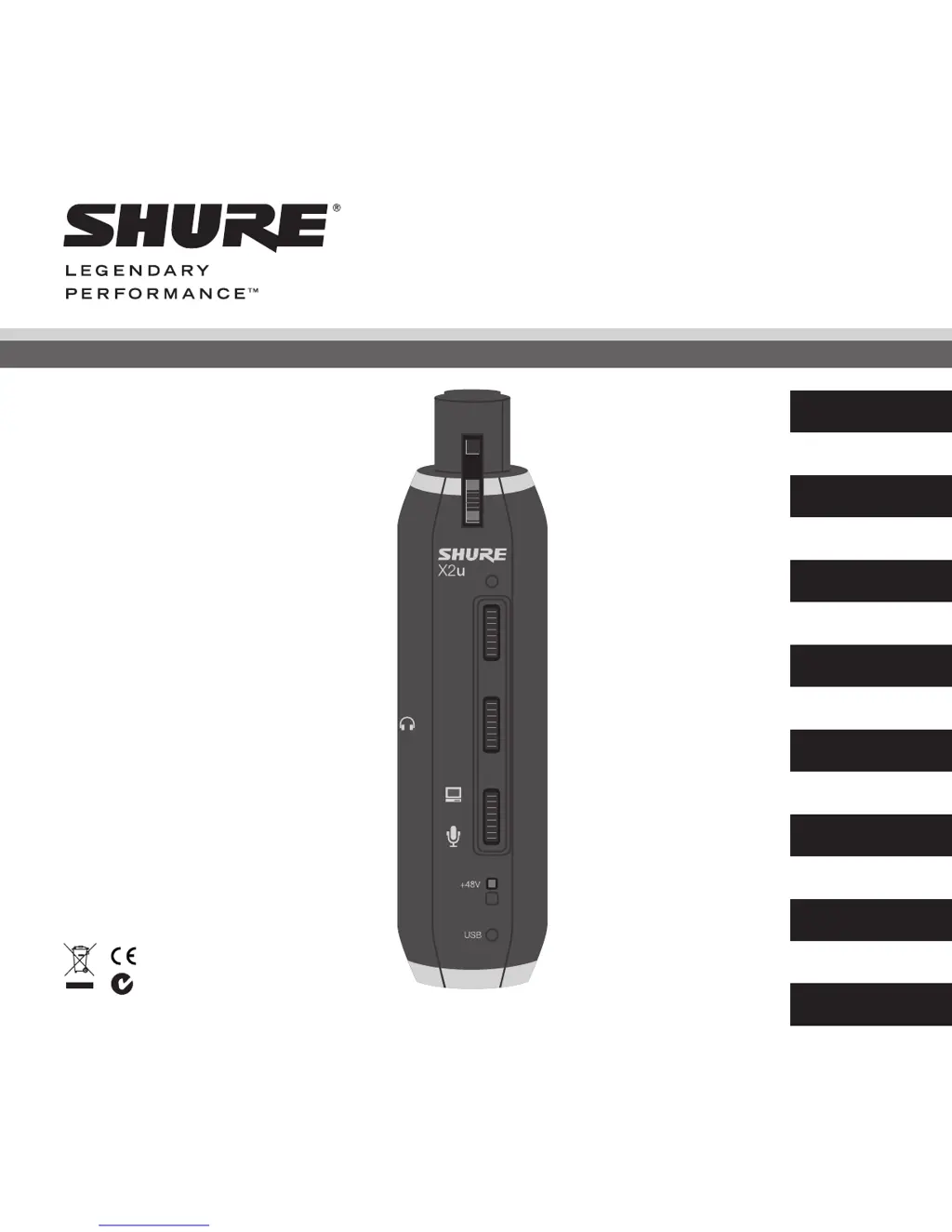
XLR-to-USB Signal Adapter
X2u
©2012 Shure Incorporated
27A12073 (Rev. 3)
N108
MIC GAIN
VOLUME
MONITOR
English
Français
Deutsch
Español
Italiano
日本語
中文
한국어

Other manuals for Shure X2U

Questions and Answers

  • H
    hurstsherylSep 8, 2025
    What to do if there is no sound in Shure Adapter headphones?
    • K
      Kaitlyn MoodySep 8, 2025
      If you are experiencing a lack of sound in your headphones when using the Shure Adapter, try increasing the VOLUME or adjusting the MIC GAIN thumb slider.
  • A
    Andrew SullivanSep 12, 2025
    Why does the sound from my Shure Adapter sound distorted?
    • G
      George SmithSep 12, 2025
      If the sound from your Shure Adapter is distorted, the suggested solution is to turn down the MIC GAIN.
  • J
    Jessica RuizSep 13, 2025
    How to fix Shure X2U Adapter when there is no USB power indicator light?
    • R
      Regina JenkinsSep 13, 2025
      If the USB power indicator light is not illuminated on your Shure Adapter, verify that the port you are using is a powered USB 1.1 or 2.0 port.
  • C
    Christopher WellsSep 15, 2025
    How to increase headphone volume on a Shure Adapter?
    • D
      Dr. Daniel Odonnell MDSep 15, 2025
      To increase the headphone volume when using a Shure Adapter: * **Windows:** Go to Control Panel, choose Sound and Audio Devices, select the Audio tab, click Volume under Sound playback, and turn up Volume Control. * **Mac:** From System Preferences, choose Sound, select the Output tab, and turn up Output volume.
  • J
    Jason CampbellSep 16, 2025
    What to do if there is no sound in headphones connected to Shure Adapter?
    • A
      Alexander ThompsonSep 16, 2025
      If you are not getting any sound in your headphones when using the Shure Adapter, try turning up the VOLUME or MIC GAIN thumb slider.

Summary

Safety Precautions

XLR Connection

USB Connection

Monitoring While Recording

Gain Adjustment

USB Audio Device Driver

Windows Operating Systems

Steps for setting up the driver on Windows systems.

Macintosh OSX Operating Systems

Steps for setting up the driver on macOS systems.

Troubleshooting

Specifications

Furnished Accessories

System Requirements

USB

Specification for the required USB port type and power.

RAM

Minimum required Random Access Memory for system operation.

Operating System

List of compatible operating systems for the device.

Shure X2U Specifications

General IconGeneral
Digital audio optical in-
Audio (L/R) out0
I/O ports1 x XLR\\r 1 x USB
Product colorBlack
Card reader integratedNo
Compatible operating systemsMicrosoft Windows 2000 Professional Japanese/English Edition\\r Microsoft Windows XP Home/Professional Japanese/English \\r Edition\\r Microsoft Windows Vista Business Japanese/English Edition\\r Apple Computer Mac OS X 10.0 or later English Edition\\r Apple Computer Mac OS X 10.1+ Japanese Edition
Power consumption500 mA

Related product manuals