14
English
Onboard LAN BOOT ROM
This item allows you to enable or disable Onboard LAN BOOT ROM.
The choice: Enabled , Disabled.
Initiate Graphic Adapter
Select which graphics controller to use as the primary boot device.
Set Initiate Graphic Adapter to "Switchable" and enable Multi-Monitor feature.
The choice: PCIE, onboard, Switchable.
IGD Memory Size Select
Allows you to select the size of system memory used by the internal graphics
device.
The choice: 32MB, 64MB, 128MB, 256MB, 512MB.
Intel(R) VT-d
This item allows you to enable or disable VT-d.
The choice: Enabled , Disabled.
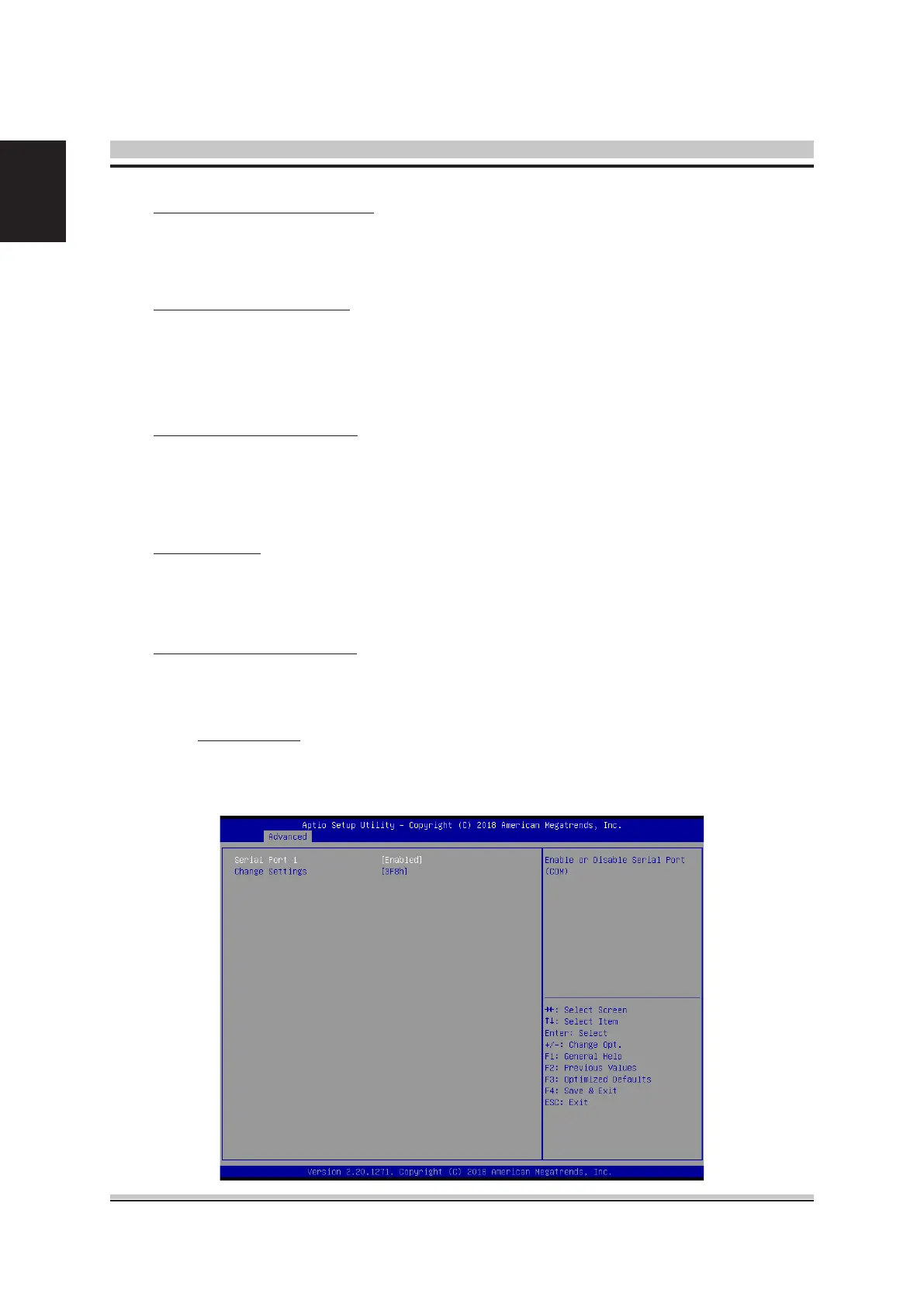
Serial Port Conguration
Option are in its sub-menu.
Press<Enter>to enter the sub-menu of detailed options.
Serial Port 1
This item allows you to enable or disable Serial Port.
The choice: Enabled, Disabled.



 To Next Page