SI-TEX SP-120 – SS34 7 08/04/2015
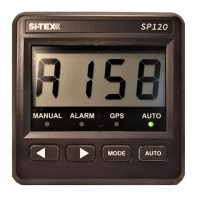
Display Unit
Position:
The SP-120 Head unit should be mounted in a position accessible to the steering position and protected from direct rain or salt water
• Select a dry position
• For in dash mounting cut a 70mm (2.5”) hole (an optional mounting bracket is available and may be used for display mounting
– see your supplier)
• Drill mounting screw holes
• Mount the display using screws supplied (304 SS – 6G)
• Fit dome plugs to cover screws
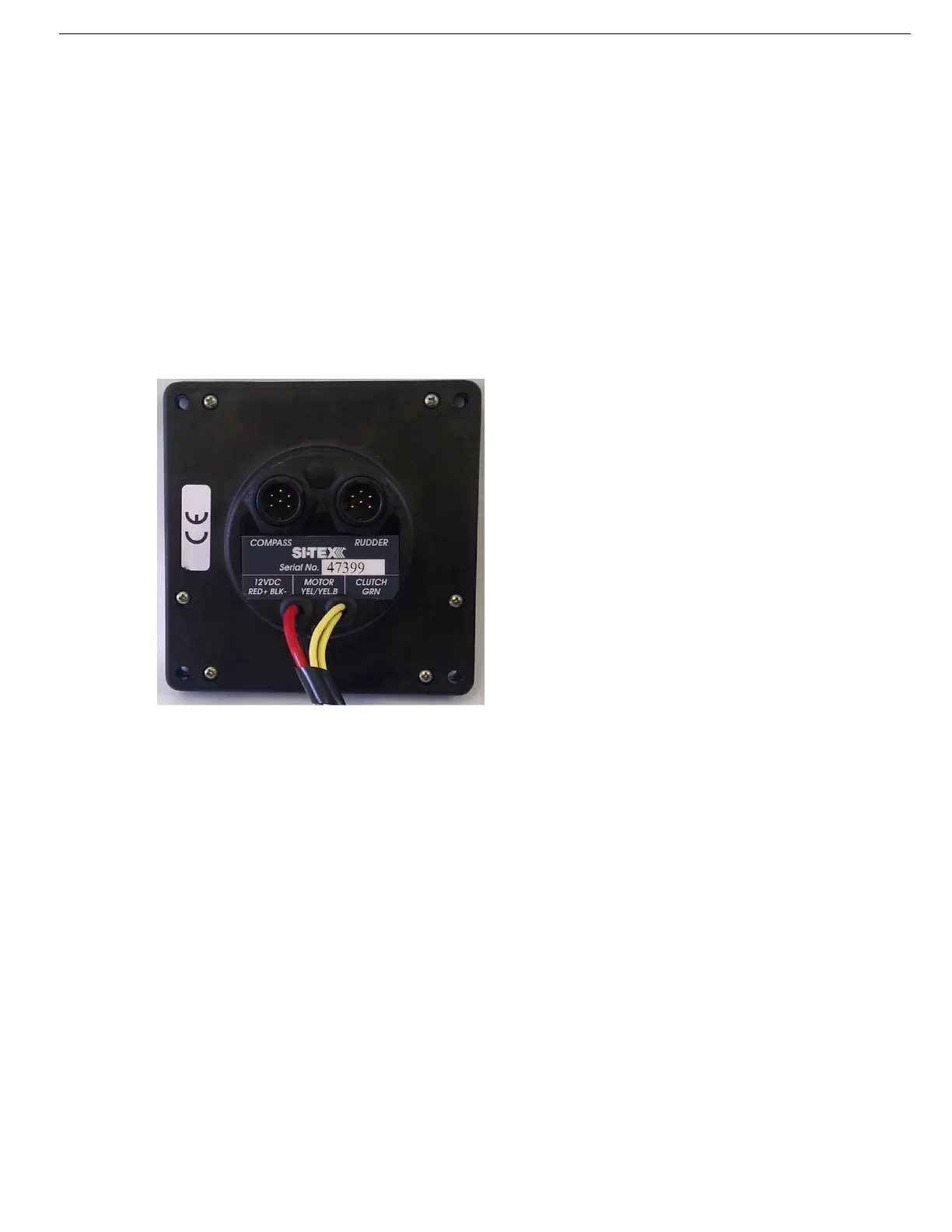
• Ensure motor (yellow) and clutch (green) wires are not touching together before connecting power to the SP-120
• Connect red wire to + 12 volts DC
• Connect black wire to – 12 volts DC
SP-120 Display (Rear) Wiring Diagram:


 To Next Page