ENG 12
2. CONNECTING DEVICES
WITH SMART LIFE APP
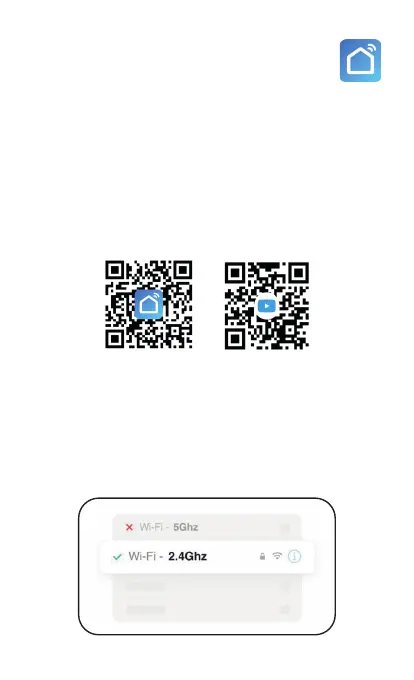
Search Smart Life App in the App Store or Google
Play in your smartphone or scan the QR code
to download the application. Then create a new
account and a new home (in the “Me”, “Home ma-
nagement”, “Create a home” tab) and configure it.
You can now start adding products. You can check
the page below if you need any help or have any
difficulties connecting devices:
THE USE OF WIFI 2.4GHZ IS REQUIRED
Make sure your mobile phone is connected to a
2.4GHz WiFi network and the GPS location and
Bluetooth are enabled (this will only be necessary
when adding new devices).
Download Help



 To Next Page