I 10
SIBER
®
WIRELESS MULTICONTROL / INSTALLATION AND OPERATING MANUAL
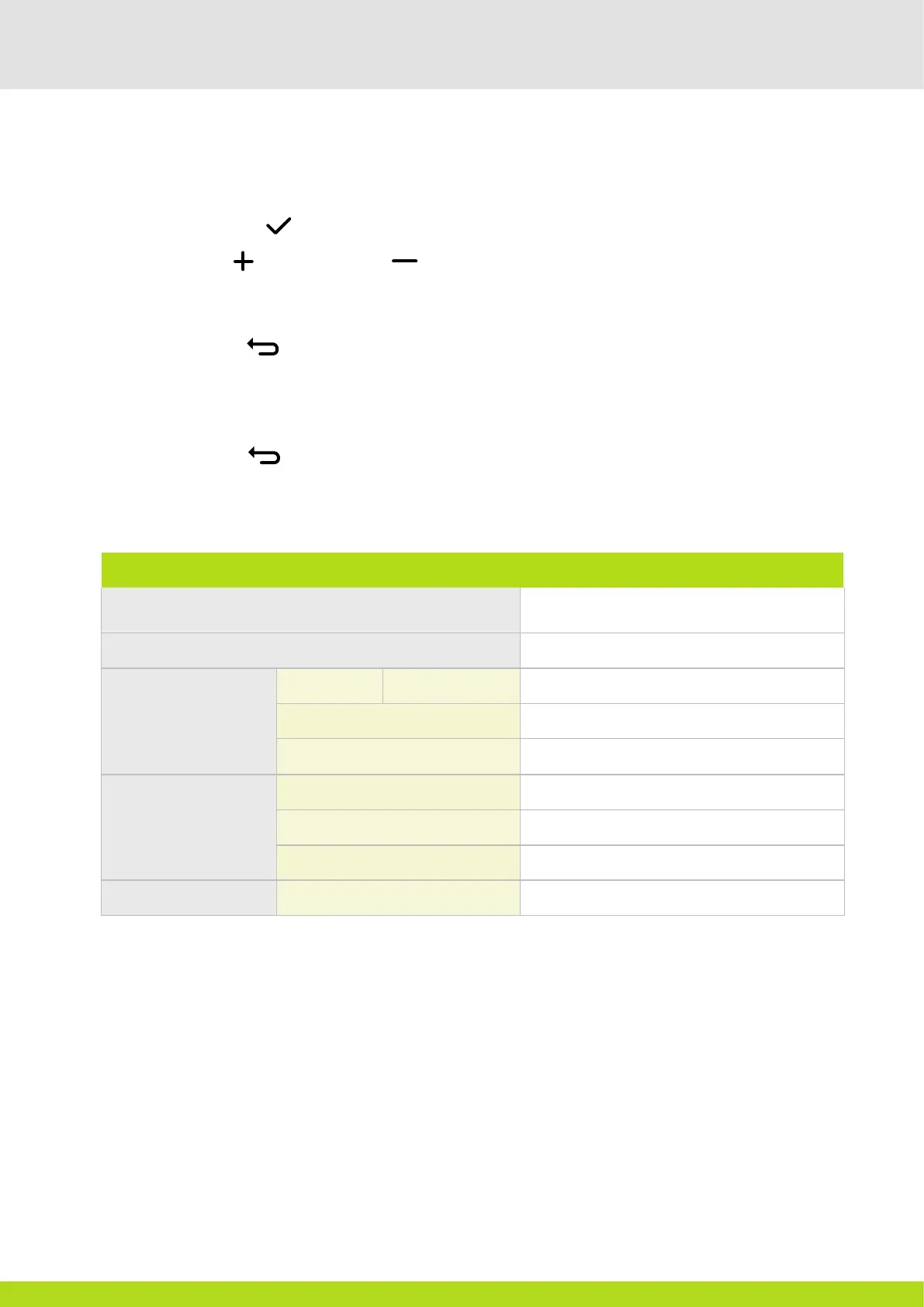
7 TECHNICAL DATA
SIBER
®
MULTICONTROL
CERTIFICATIONS
LVD and EMC Directive
Rohs and WEEE compliant
TOTAL DIMENSIONS
55 mm x 55 mm x 35 mm (height x width x depth)
AMBIENT
CONDITIONS
Temperature
In operation: 0 to 40 °C
Relative humidity 5 - 95%, with no condensation
Dispatch and transport conditions from -20 to -60 °C
ELECTRICAL
SPECIFICATIONS
POWER SUPPLY 230VAC, 50 Hz
Energy consumption Less than 1 watt (in standby mode)
Electrical protection rating IP44
OTHER
Screen activation Gestural movement IR sensor
6.2.2. CHANGING A CONFIGURATION
1. To change a configuration, go to the service menu. See 6.2.1.
2. Select the correct index number.
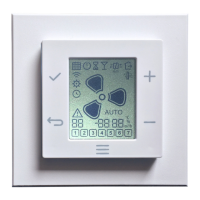
3. Tap the ACCEPT button . The 4 digit value display starts to flash.
4. Tap the UP button or the DOWN button to change the configuration value.
5. Tap the Accept button to maintain the correct configuration. The 2 digit value display flashes.
6. Repeat steps 2 to 5 to change any other configuration.
7. Tap the BACK button to exit the configuration menu.
6.2.3. KEEPING A CONFIGURATION
1. Tap the BACK button keep a configuration that has not been modified
v. 11.21
Siber Zone, S.L.U. reserves the right to make any change to the information on the device and components without prior notice.


 To Previous Page