I 7
SIBER
®
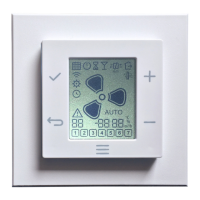
WIRELESS MULTICONTROL DFEVOCTRL08
5 INSTALLATION
5.1 PREPARATION FOR THE INSTALLATION
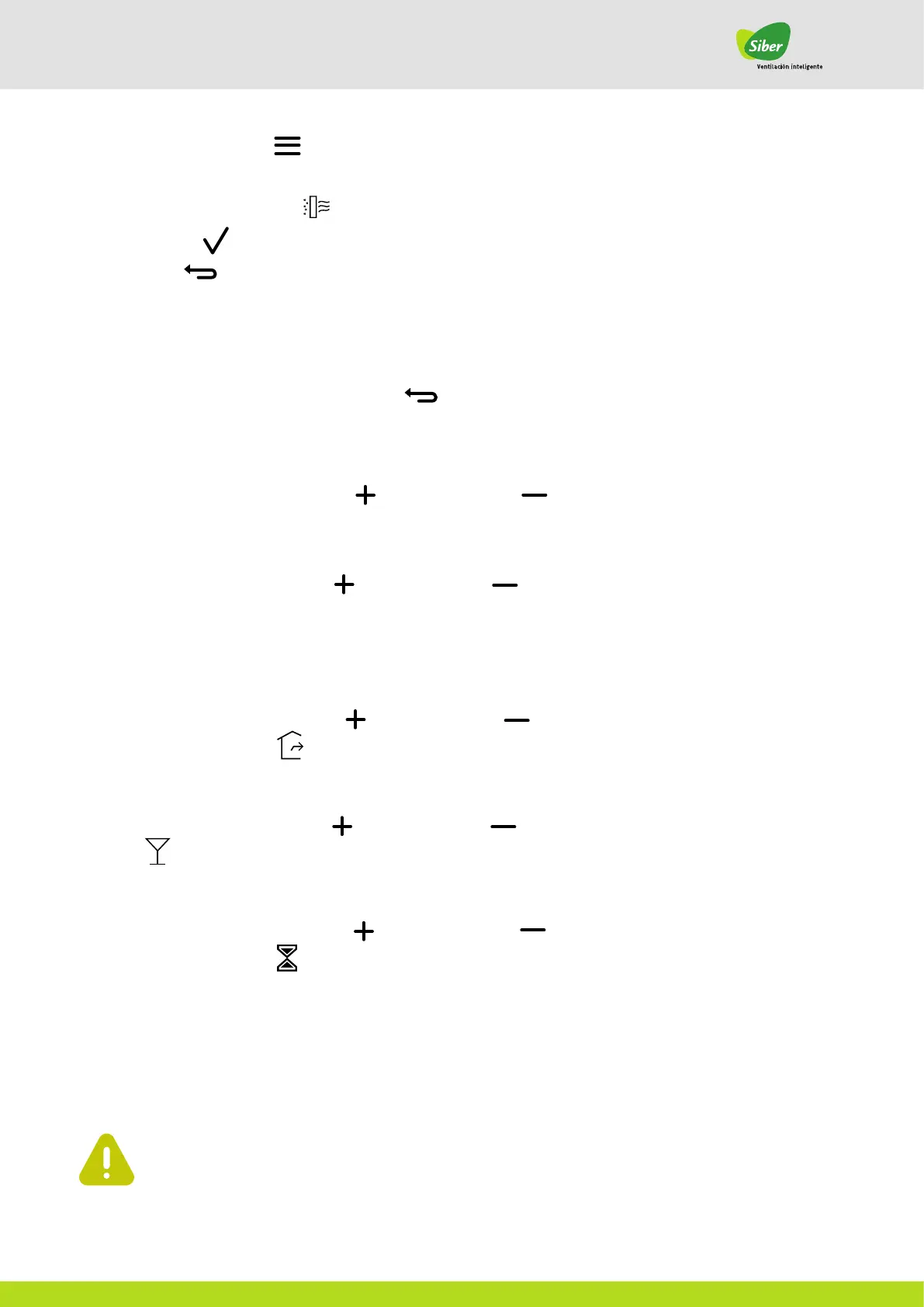
1. Briefly tap the MENU button
2. Tap the MENU button repeatedly to run through the menus on the screen.
3. Stop when the filter RESET ICON flashes.
4. Tap the ACCEPT button to reset the filter mode.
5. Tap the BACK button to exit the menu.
4.2.2. SELECT THE CORRECT MODE
The modes are only available when the HRU supports the mode. To select the correct mode, start with the preset screen.
If it is not on the preset screen, tap the BACK button
To start the AUTO mode, tap the UP button or the DOWN button button repeatedly until the AUTO mode icon
comes on
AUTOMATIC MODE
When in AUTO mode, use the UP button or the DOWN button to stop the AUTO mode.Tap the
UP or DOWN button repeatedly to select the correct speed of the fan. See 3.3.2 for fan speed settings.
MANUAL MODE
To start the AWAY mode, tap the UPbutton or the DOWN button repeatedly until
the AWAY mode icon appears
AWAY MODE
To start the MAXIMUM mode, tap the UP button or the DOWN button repeatedly until the MAXIMUM icon is
activated.
MAXIMUM MODE
To start the TIMER mode, tap the UP button or the DOWN button repeatedly until the
TIMER mode icon is activated.
TIMER MODE
HAZARD
Ensure that the electrical power supply is off before installing the device.
Do not install the device in a metal housing.
Ensure that the mains voltage is 230 VAC, 50 Hz.
AUTO


 To Next Page