EasyManua.ls Logo

SIC MCC - Temperature Conversions and Sequence; Temperature Conversions; Performing Unit Conversions; Reversing Conversion Direction

Default Icon
17 pages
Print Icon
To Next Page IconTo Next Page
To Previous Page IconTo Previous Page
Loading...
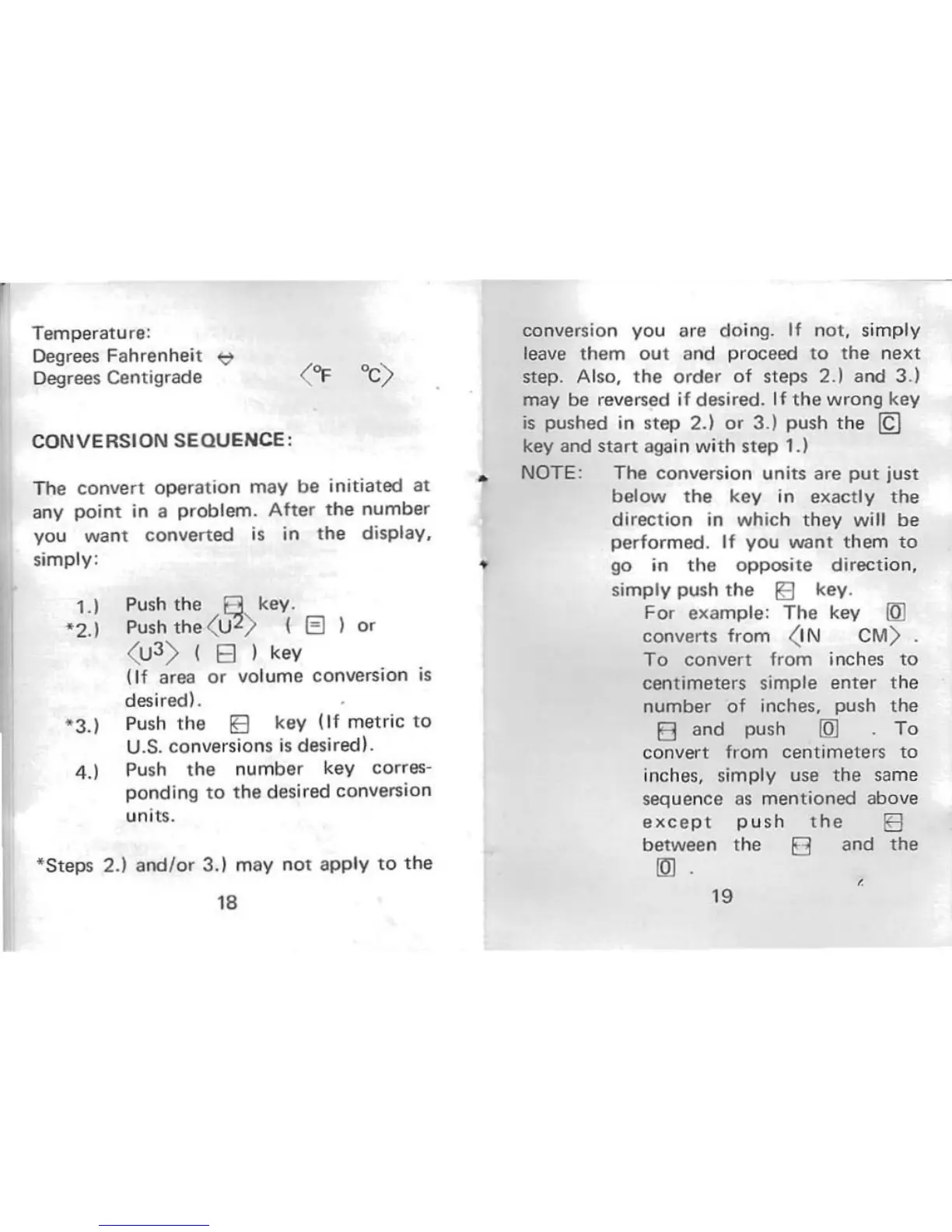
Temperature:
Degrees Fahrenheit
~
Degrees Centigrade
( "I' ·C)
CONVERSION
SEQUENCE,
The
conv
ert
operation
may
be
initiated
at
any
point
in a
problem
.
After
the
numb
er
you
want
co
nve
rted
is in
the
display,
simply:
1.1
*2.)
4.1
Push
th
e
8.
key.
Push the ( U
2
> I G )
0'
(u
3
)
I 8 )
key
(If
area
or
volume
co
nversion
is
desired).
Push
the
IE
key
(If
metric
to
U.S.
co
nversions
is
desired).
Push
the
number
key corres-
ponding
to
the
des
ired conversion
uni ts.
*Steps
2.)
and/or
3. ) m
ay
not
app
ly
to
the
18
conversion
you
are
do
in
g.
If
n
ot,
simply
leave
them
out
and
proceed
to
the
next
step. Also,
the
order
of
steps 2.) and 3.)
may be reversed if desired.
If
the
wrong key
is
pushed in
step
2.)
or
3.)
pu
sh
the
~
key and
start
again with
step
1.1
NOTE: The conversion units are
put
ju
st
below
the
key in
exactly
the
direction
in
which
th
ey
wi
ll
be
performed
.
If
you
want
them
to
...
go in
the
o
pposite
direction,
simply push
the
~
key.
For
examp
le:
The
key
(OJ
converts from <I N
CM
)
To
convert
from inches
to
centimeters
simple
enter
the
number
of
inches, push
the
E3
and
push
{Ql
To
convert
from
centimeters
to
inche
s,
simply use
the
sa
me
sequen
ce
as
mentioned
above
exce
p t
push
the
IE
between
the
E3
and
the
IDl
19