EasyManua.ls Logo

SIC MCC - Display Indications Explained; Negative and Overflow Indicators; Display Blanking for Power Saving

Default Icon
17 pages
Print Icon
To Next Page IconTo Next Page
To Previous Page IconTo Previous Page
Loading...
Removeable batteries installed. May
be used in this
condition
indefinitely.
Permanent
batteries
insta
ll
ed
(Optional).
Use in this
manner
on
ly
when
recharging
batteries
.
Plug
the
adaptor
into
the
calculator
and
insert
the
AC
plug
into
the
electrical
outlet.
After
the
above
connection,
the
power
switch may
be
turned
on and
operation
started.
DISPLAY
INDICATIONS
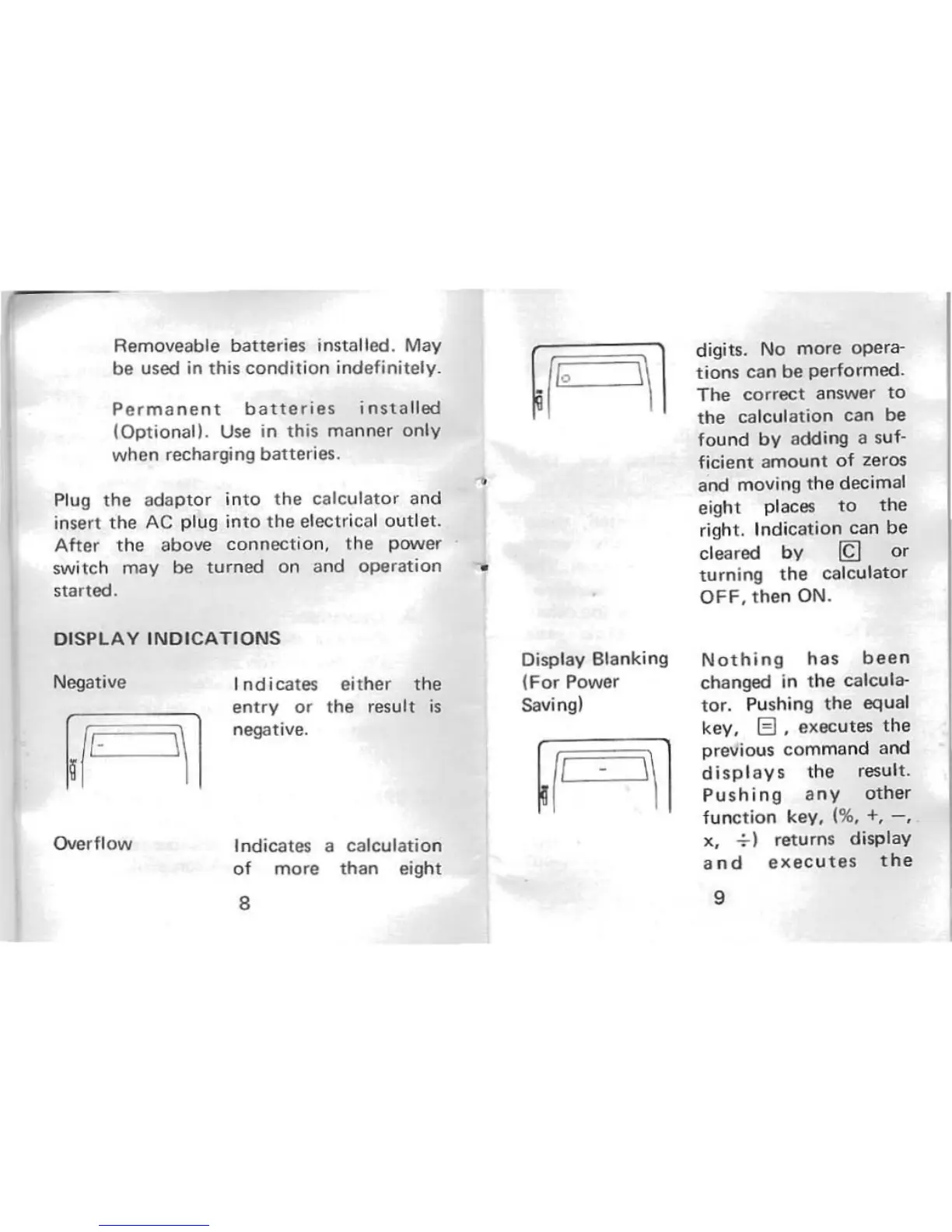
Negative
Overftow
I
ndica
tes
ei
t
her
the
entry
or
the
result
is
negative.
Indicates a
calculation
of
more
than
eight
8
Display Blanking
(For
Power
Saving)
digits. No
more
ope
ra-
tions
can
be
performed.
The
correct
answer
to
the
calculation
can
be
found
by
adding a suf-
ficient
amount
of
zeros
and moving
the
decimal
eight places
to
the
right.
Indi
cation
can
be
cleared
by
~
or
turning
the
calculator
OFF,
the
n ON.
Nothing
has
been
changed in
the
calcula-
tor.
Pu
shing
the
equal
key, El, exec
utes
the
previous
comma
nd
and
displays
the
result.
Pushing
any
other
function
key, (%, +,
-,
x,
-:-)
returns display
and
exec
ut
es
the
9