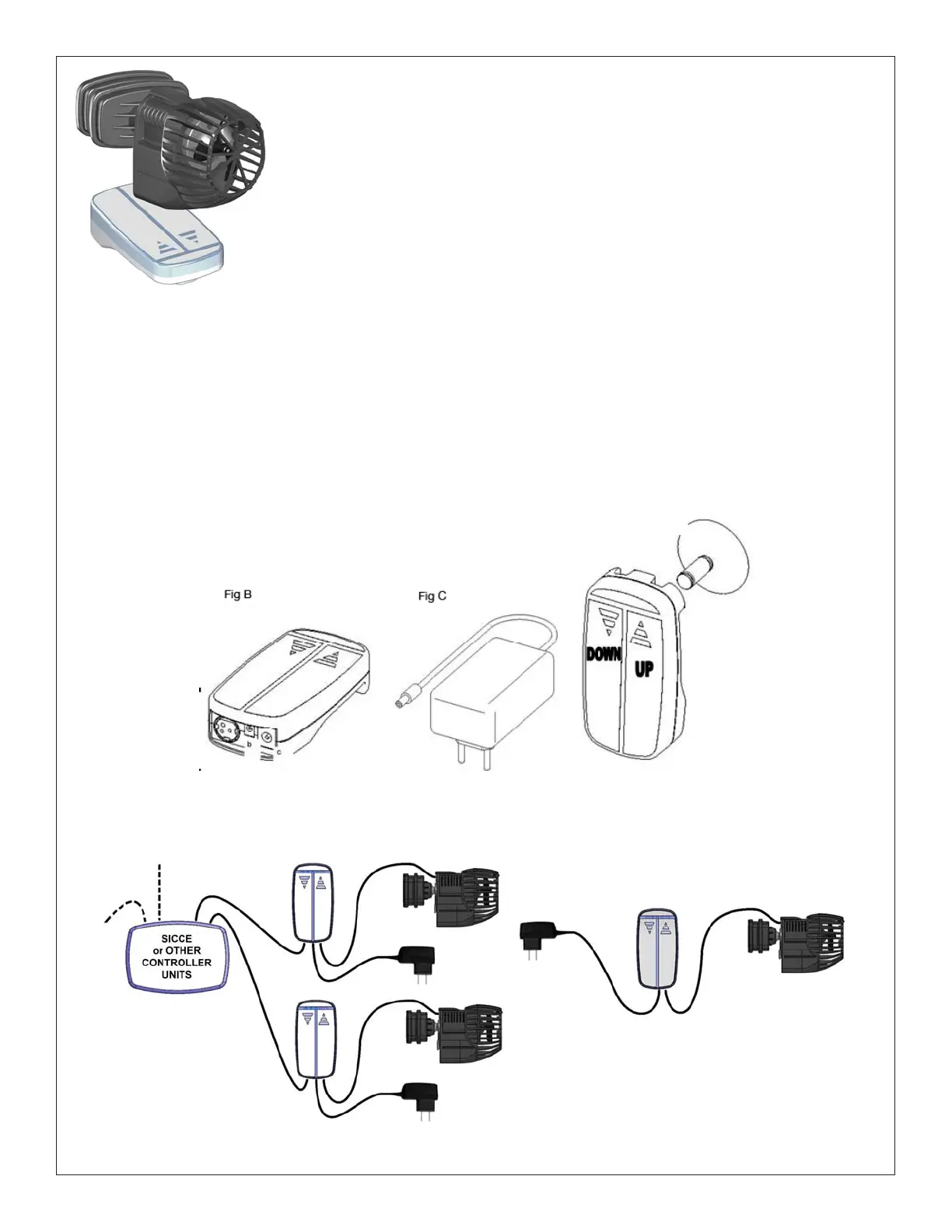
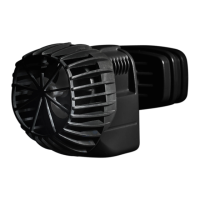
XStream-e
CIRCULATION AND STREAM PUMP
WITH ELECTRONIC CONTROL
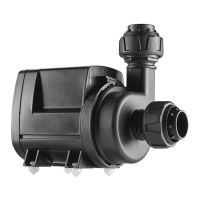
XStream-e is ideal for use in advanced marine tanks to create the most
natural waves Discrete design in a powerfull and versatile pump.
The mini controller cannot be submersed in water and must be placed to avoid
accidental drips and splashes. It can be attached to the glass with the suction
cup or placed on the cabinet. We suggest making a drip loop in the Mini
Controller and pump’s cord to prevent water running down and reaching the
power source. Handle the Mini Controller with dry hands. The Mini Controller can be used only with the
Sicce XSTREAM-E and can be powered only by the included transformer. Any other use could damage
this electronic device and void the warranty.
1) Connect the jack plug of the pump to the central plug b of the Mini Controller (Fig B)
2) Connect the jack d (Fig C) to the inlet on the right side c of the Mini controller (Fig B)
The pump will start from MVC Mode ( Constant Speed Mode) at 800ghp.
To disconnect the pump unplug the transformer (Fig C).



 To Next Page