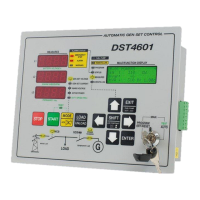
User’s Manual 5
2.1.2
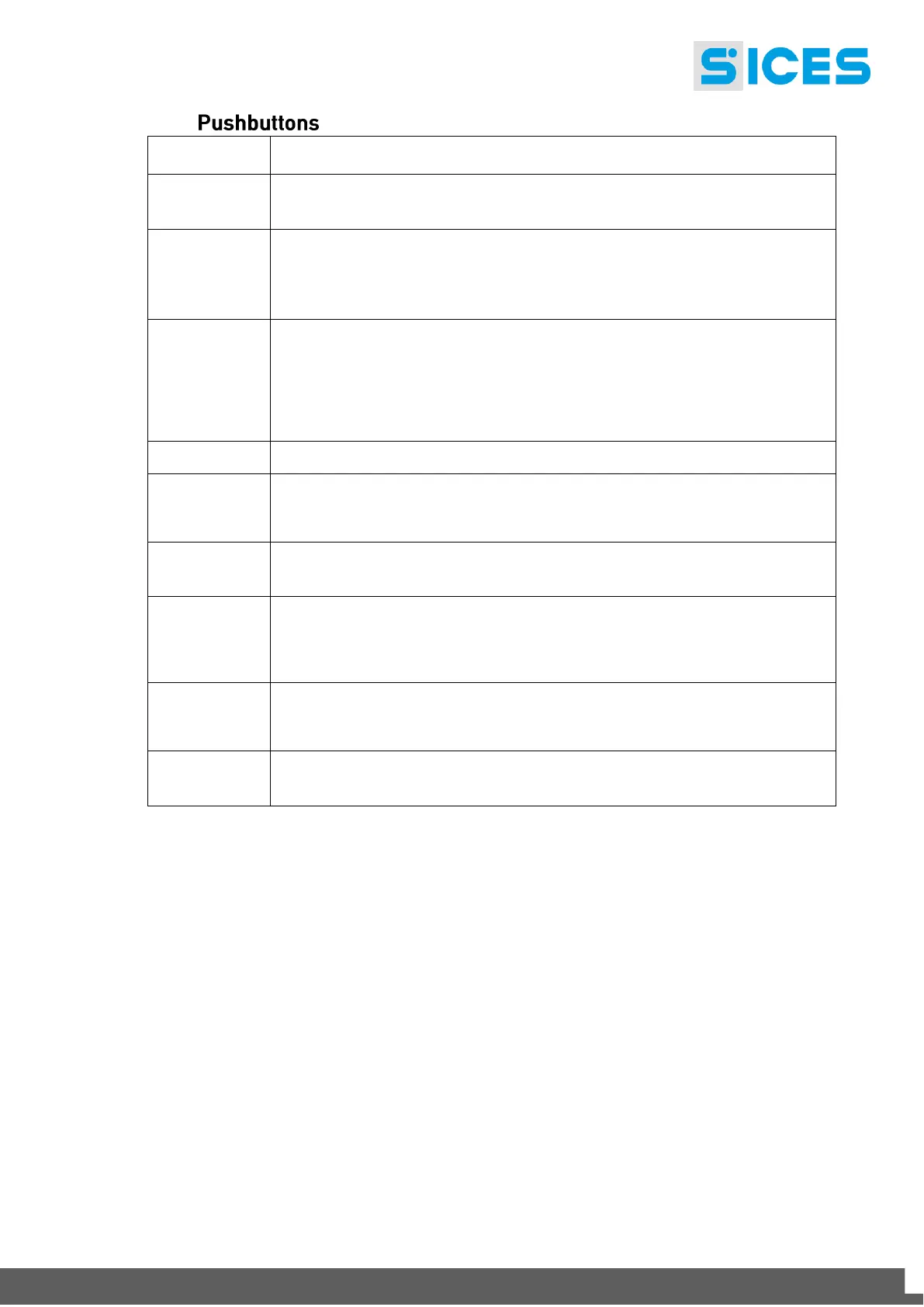
Dead key. Pressed together with another pushbutton, changes the pushbutton
function.
They allow selecting previous or followings pages of multifunction display if in
STATUS, MEASURES or EVENT LOG mode.
In Program mode, they are used to move the cursor while keying character
strings.
Used together with the SHIFT key it modifies the display contrast.
They allow selecting the multifunction display mode.
In addition, in PROGRAM and EVENTS LOG mode they allow to scroll menus,
increase/decrease variables or scroll records.
Used in combination with the SHIFT button, in PROGRAM mode, it allows
scrolling menu by step of 3 rows or increase/decrease variables in ten units’
steps.
Selects a menu entry or enables/disables the change mode of a variable.
Brings up to the previous menu level. Used together with the SHIFT pushbutton
changes the fuel pump mode to manual, enables/disables the fuel pump and
recalls on the multifunction display the fuel pump management page.
Commands the genset loading/unloading. The pushbutton is enabled only if the
system function mode allows the operation.
It is used to acknowledge any kind of alarm and to silence the horn. If there isn’t
any alarm to acknowledge, it can be used to select the MEASURES display mode,
scrolling the mode list. Used in combination with the SHIFT pushbutton, allows to
scroll backward the display mode list.
In MAN. mode it can be used to start the engine.
In AUTO mode, used together with the MODE/ACK pushbutton,
enables/disables TEST mode.
It is used to stop the engine. In AUTO mode it is issued a BLOCK. While the key
lock is in OFF/RESET, the pushbutton drives the LAMP TEST function.


 To Next Page
 Loading...