© Siemens AG 2003, I:\Mobil\R65\A65_Leopard_abgel._von MC60_Maguro\am\fug\A65_Groups.fm
43Groups
VAR Language: American; VAR issue date: 21-Januar-2004
left page (43) of CF62 Leopard us-en, A31008-H6050-A40-1-4A19 (24.02.2004, 16:32)
Groups
Nine groups are specified in your
phone to enable you to arrange your
Addressbook entries clearly. You can
rename seven groups.
H
Open Addressbook
(in standby mode).
<Groups> Select (the number of
entries is listed behind the
group name).
H
Select group.
E
Open menu.
Rename group
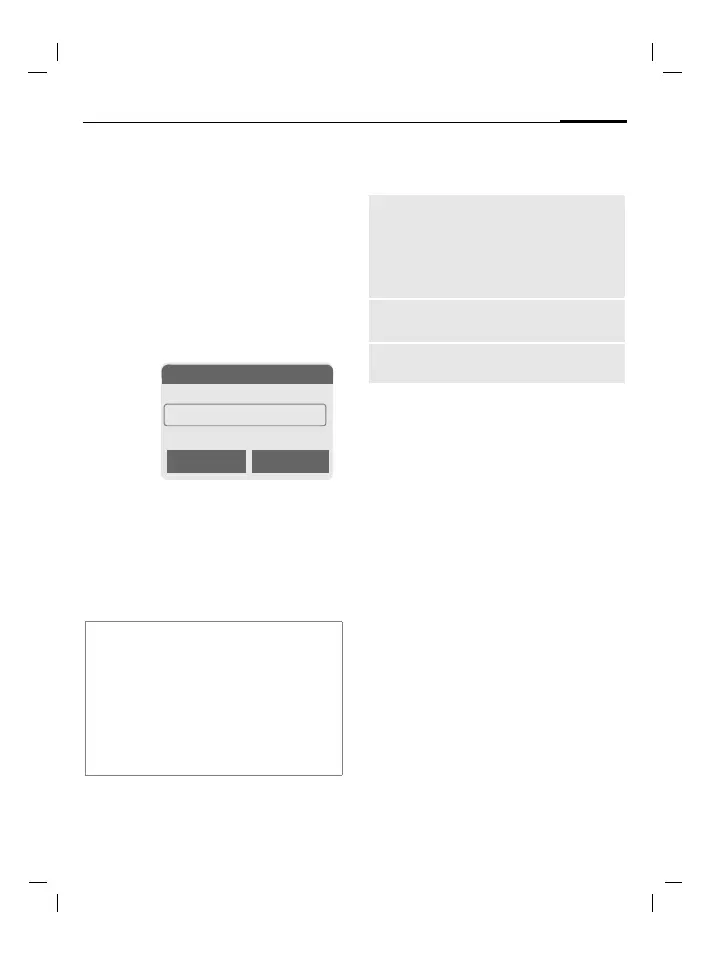
Select and give group a
name.
Group menu
§Options§
Open menu.
Group symbol
Assign to a group a symbol that will
appear on the display when one of
its members calls you.
H
Select group.
E
Open menu.
Group symbol
Select.
F
Choose a symbol.
§OK§ Confirm.
Additional information
No group: Contains all Addressbook
entries that do not belong to a group (name
cannot be changed).
Received: Contains vCard Addressbook
entries received by SMS (name cannot be
changed).
SMS to group ...............................page 51
N Groups
t
Family (5)
Ã
Sports (23)
Ä Office (11)
Open Options
Open
Display all members of the
selected group.
§View§ Addressbook,
page 40.
§Options§ See page 41.
Group
symbol
Assign a symbol to a group,
see below.
Rename
group
Change name of group.



 To Next Page