EasyManua.ls Logo

Siemens Gigaset Repeater - User Manual

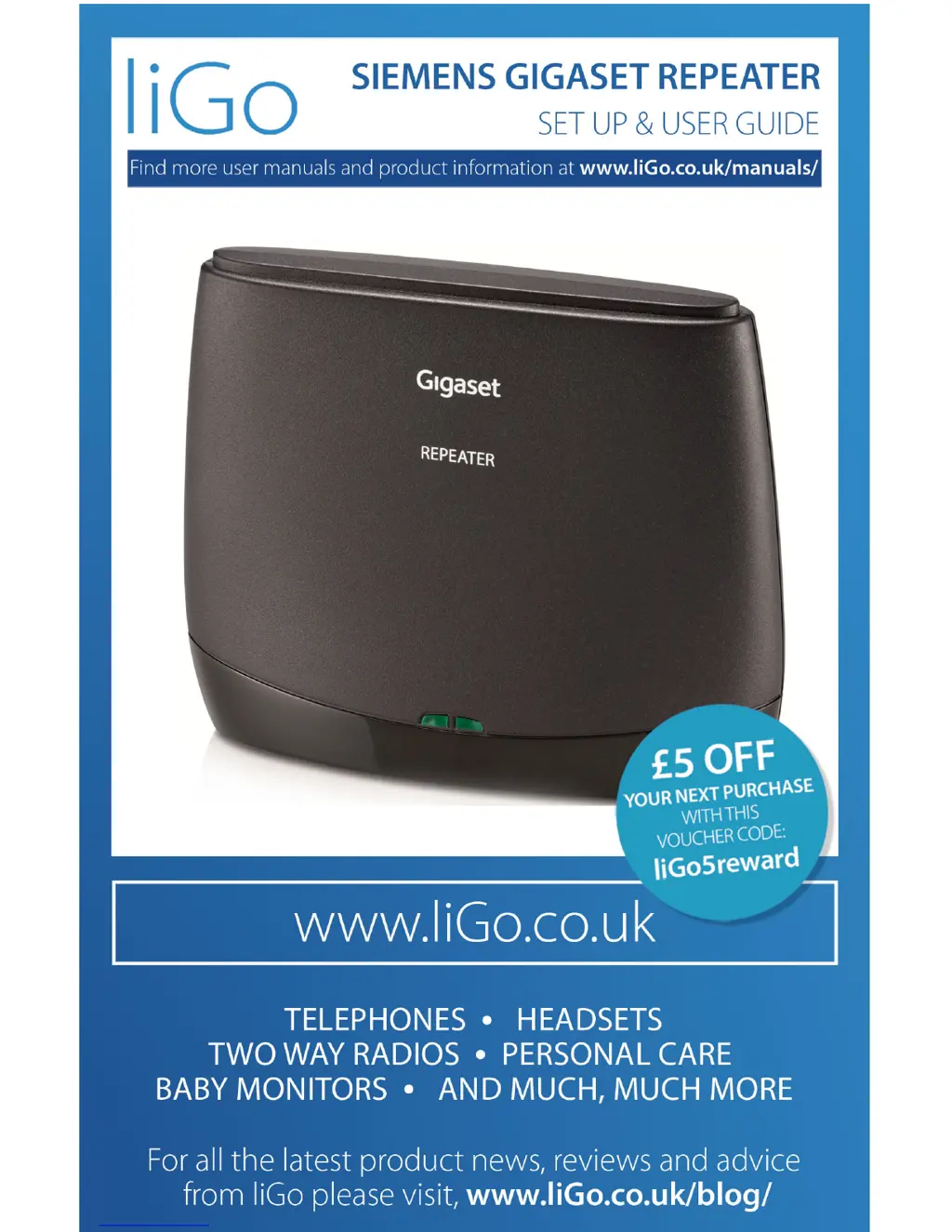
Siemens Gigaset Repeater
12 pages
Print Icon
To Next Page IconTo Next Page
Loading...

Other manuals for Siemens Gigaset Repeater

Questions and Answers

  • T
    Tabitha EllisJul 26, 2025
    Why is there no reception of the handset in the Siemens Repeater area?
    • T
      thomasrhondaJul 26, 2025
      If you're experiencing no reception of the handset in the Siemens Repeater area, it could be due to a few reasons. First, the repeater might not be registered; in this case, repeat the registration. Another possibility is that there's no radio connection to the base station, so try selecting a new location. Lastly, the handset may not be finding the repeater; try switching the handset off and on.
  • J
    Jeremy FisherJul 30, 2025
    What to do if the left LED does not light up at all on my Siemens Repeater?
    • A
      Anthony WangJul 30, 2025
      If the left LED on your Siemens Repeater doesn't light up at all, the cause is likely no power. To resolve this, check the power point to ensure the repeater is receiving power.
  • L
    lori65Aug 3, 2025
    Why is the left LED flashing continuously on my Siemens Repeater?
    • T
      Trevor HardinAug 4, 2025
      If the left LED on your Siemens Repeater flashes continuously at a selected location, this indicates that there is no radio connection to the base station. To fix this, select a new location for the repeater.
  • M
    Mark ButlerAug 8, 2025
    How to fix the left LED flashing continuously after Siemens Repeater registration?
    • W
      williamjohnsonAug 8, 2025
      If the left LED flashes continuously on your Siemens Repeater after the registration procedure, it means there's no radio connection to the base station. To address this, repeat the registration process.
  • D
    Dr. Michelle ChristianAug 12, 2025
    Why is there no reception of the handset in the area of the Siemens Repeater?
    • C
      Christopher KellyAug 12, 2025
      Several factors can cause this. First, the repeater may not be registered, in which case you should repeat the registration process. Second, there may be no radio connection to the base station; try selecting a new location for the repeater. Finally, the handset may be unable to find the repeater; try switching the handset off and on again.
  • T
    Tiffany AguilarAug 17, 2025
    What to do if the left LED flashes continuously when the registration procedure has been concluded on Siemens Gigaset?
    • R
      Robin PittmanAug 17, 2025
      If the left LED flashes continuously after registration, it indicates there is no radio connection to the base station. Repeat the registration process to resolve this.
  • K
    Kenneth NealAug 21, 2025
    Why does the left LED flash continuously at a selected location on my Siemens Repeater?
    • M
      Matthew WebbAug 21, 2025
      The continuous flashing of the left LED at a selected location indicates that there is no radio connection to the base station. To fix this, select a new location for the repeater.

Summary

Important Information and Safety

Gigaset Repeater Safety Precautions

Crucial safety guidelines for using the Gigaset Repeater, including environmental and usage restrictions.

Preparing the Gigaset Repeater

Gigaset Repeater Registration Procedure

Step-by-step guide for registering the Gigaset Repeater with the base station.

Resetting and Re-registering Repeater

Procedure for re-registering the Repeater or resetting it for a new base station.

Installing the Gigaset Repeater

Interpreting Repeater LED Status

Detailed explanation of the left and right LED states and their meanings during operation.

Gigaset Repeater Troubleshooting

Common Repeater Problems and Solutions

Common problems with the Gigaset Repeater, their causes, and recommended solutions.

Siemens Gigaset Repeater Specifications

General IconGeneral
ModelGigaset Repeater
Frequency Range1880-1900 MHz
RangeUp to 300m outdoors
Standards supportedDECT
Number of handsets supportedUp to 6
EncryptionDECT standard encryption
Plug typeEU plug (Type C/F)
Power Supply230V AC / 50Hz

Related product manuals