Changing the hearing program
9
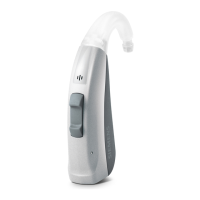
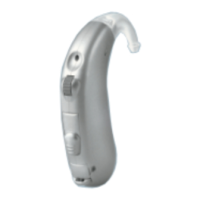
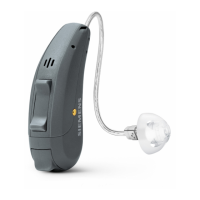
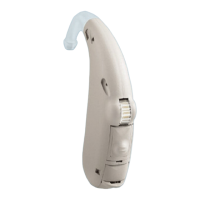
Via push button
(only Motion M and Motion P)
Your hearing instruments offer up to 5 hearing programs
for specific listening environments.
Each time you press the program button, your hearing
instruments switch to the next program, confirming each
change with an acoustic signal.
Example
Turn your hearing instruments on.
X
It is automatically in program 1. You want to change to
program 2.
Press the program button once.
X
You hear the acoustic signal for program 2.
You are now in program 2.
Via remote control
Refer to the remote control user guide. X
If you are wearing two hearing instruments, the hearing
program will be changed on both instruments simultane-
ously if e2e wireless 2.0 is activated.
Your Hearing Care Professional can write down the per-
sonal program configuration of your hearing instrument
on page 33.
Your Hearing Care Professional can activate or deactivate
the acoustic signals in your hearing instruments.
18





 To Next Page