2/14
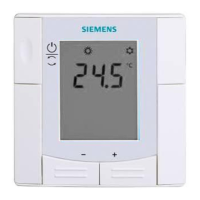
Siemens Room temperature controller with LCD N3075en
Building Technologies 17.04.2009
Use
For control of the room temperature in individual rooms or zones that are heated or
cooled by a heat pump or via actuating devices.
The room temperature controller…
• controls release of the heat pump’s compressor or actuating devices
• switches an auxiliary electric heater
Suited for systems with manual H/C changeover.
Functions
• Manual H/C changeover by pressing the respective button
• Room temperature control with built-in sensor
•
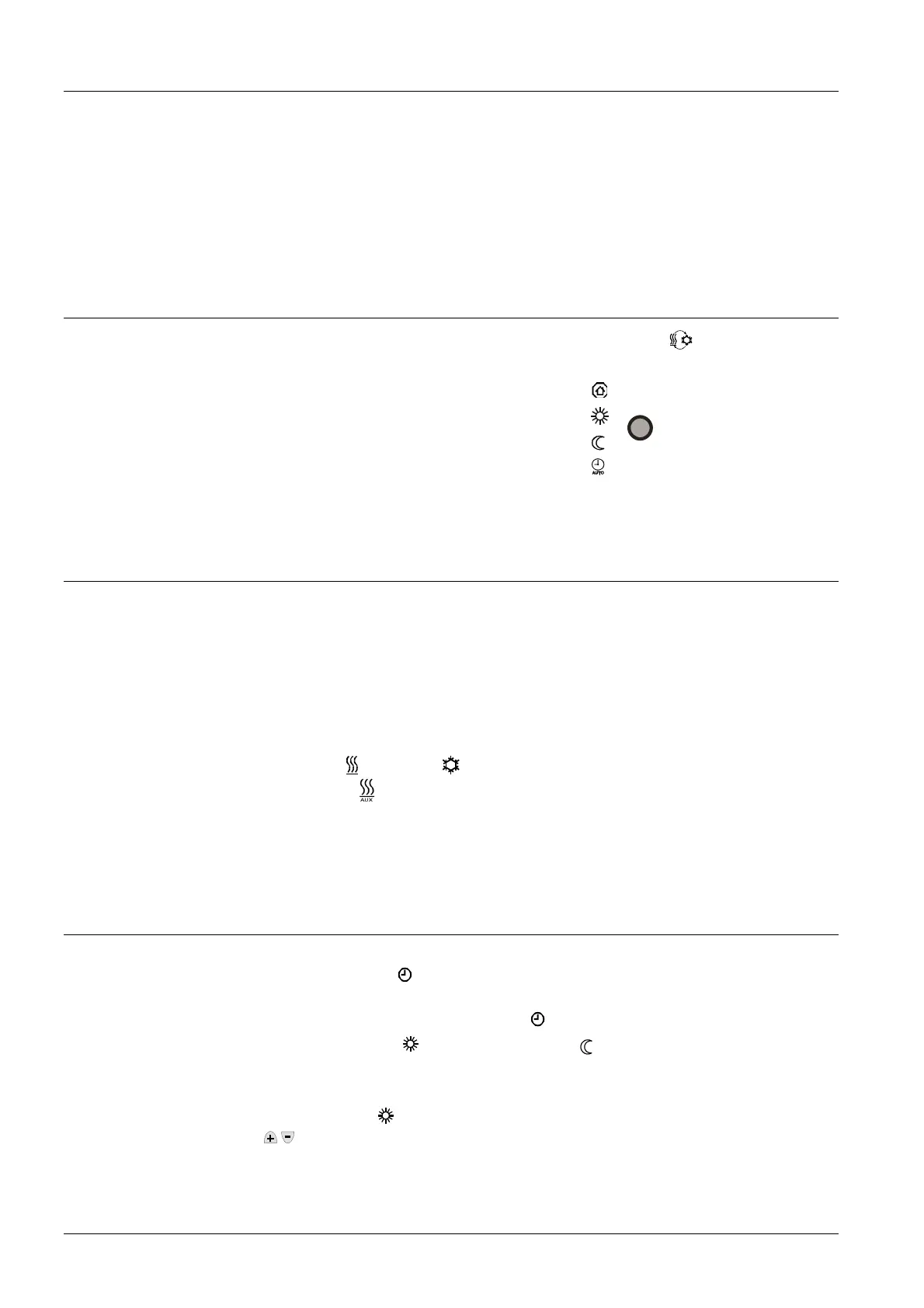
Selection of operating mode via button
• Auto Timer mode with 8 programmable time switches for changeover between Com-
fort mode and Energy Saving mode
• Outputs for release of heat pump and for control of actuating devices in heating or
cooling mode (ON / OFF). Output for auxiliary electric heater
Controller
The controller acquires the room temperature via its built-in sensor and maintains it at
the adjusted setpoint.
The switching differential is 2 K in heating mode and 1 K in cooling mode (adjustable
via parameters P08 and P09).
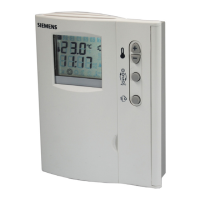
The display shows the acquired room temperature or the setpoint of the current operat-
ing mode. This can be selected via parameter P15. Factory setting is display of the
current room temperature.
The heating
and cooling symbols on the display show the system’s operating
state. Symbol
shows when the auxiliary electric heater is in operation.
Symbol
c indicates when the heat pump’s compressor is on.
If required, room temperature and setpoint can also be displayed in °F in place of °C.
This is made by changing parameter P14.
Operating modes
The following operating modes are available by pressing the respective button:
In Auto Timer mode
AUTO
, the controller switches automatically between Comfort mode
and Energy Saving mode according to the 8 programmed time switches. The controller
displays the symbol of Auto Timer mode
AUTO
and that of the current operating mode,
either Comfort mode
or Energy Saving mode
.
In Comfort mode
, the controller maintains the setpoint, which can be adjusted via the
buttons.
For energy saving purposes, the setpoint setting range can be limited to a minimum
(parameter P05) and a maximum (parameter P06).
Temperatue control
Display
Auto Timer mode
Comfort mode
Energy saving tip
Setpoint limitation


 To Next Page