EasyManua.ls Logo

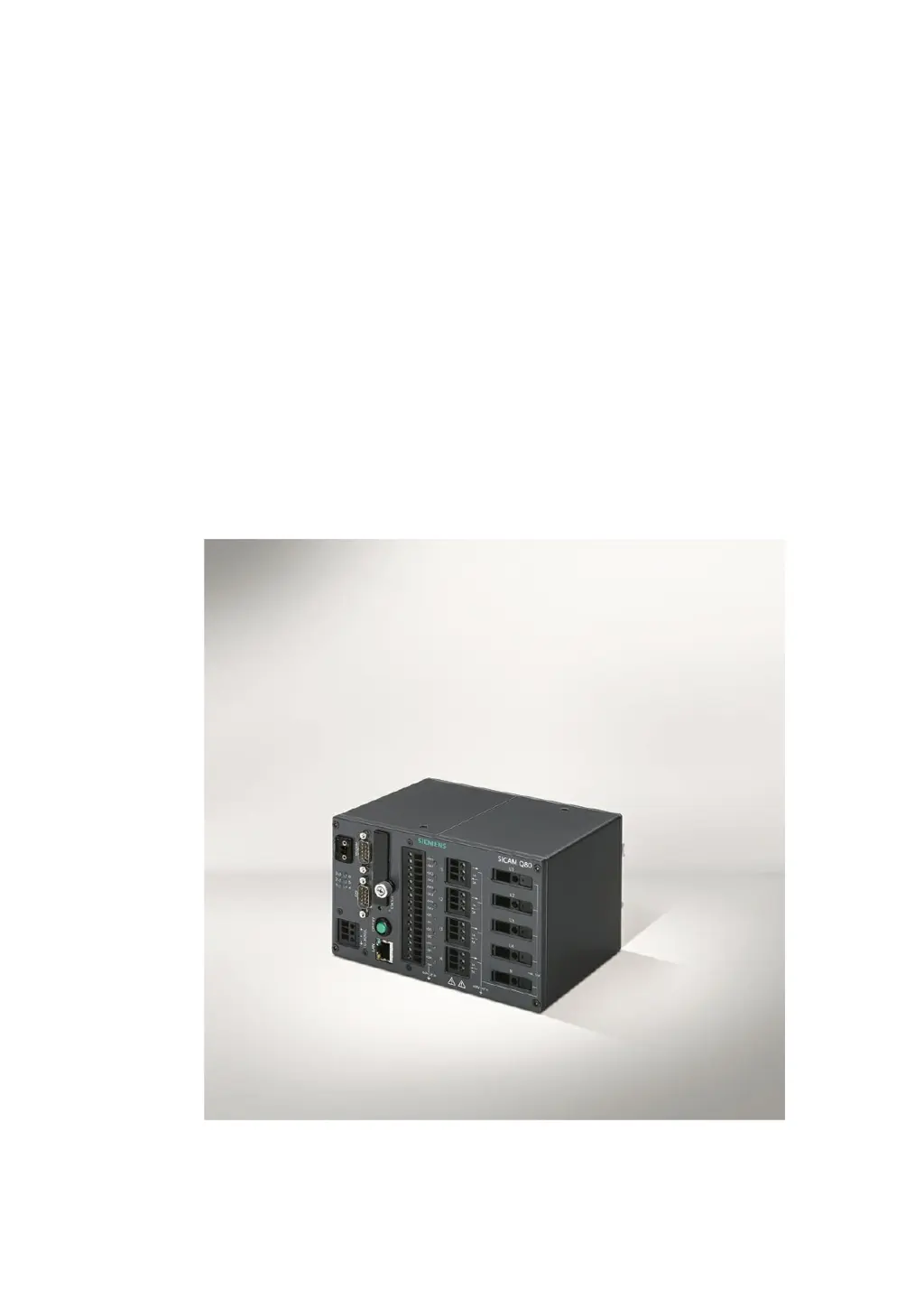
Siemens SICAM Q80 - User Manual

Siemens SICAM Q80
81 pages
Print Icon
To Next Page IconTo Next Page
Loading...
E50417-B1074-C419-A2
Power Quality Recorder
SICAM Q80
s
Operating instruction
Document version 3.3 12.01.2015

Other manuals for Siemens SICAM Q80

Questions and Answers

  • W
    Walter ConleyAug 11, 2025
    What to do if Siemens Measuring Instruments SICAM Q80 7KG8080 gives error message when starting operating software?
    • M
      Micheal LeonAug 11, 2025
      First, check the connection between SICAM Q80 7KG8080 and your PC, ensuring you've specified the correct connection type (Ethernet, TCP/IP, PPP) as per the specifications on the type plaque. If that doesn't work, reactivate SICAM Q80 7KG8080, then in the “Start/Stop network analysis” dialog, disconnect and reconnect. Note that the hardware parameters are only imported after an initial connection to the device.
  • G
    Greg HernandezAug 19, 2025
    What to do if I get error messages when saving to the internal Disk of Siemens Measuring Instruments?
    • B
      Brandon OsbornAug 19, 2025
      If you encounter error messages when saving to the internal disk, format the medium using a PC. Alternatively, run the service program SCANDISK on the CF-card. You can access Scandisk from Windows Explorer by right-clicking on the drive, selecting 'Properties,' and then navigating to the 'Tools' tab.
  • J
    James ThompsonAug 27, 2025
    What to do if Siemens Measuring Instruments SICAM Q80 7KG8080 can’t be activated?
    • S
      Shane DanielsAug 27, 2025
      If your SICAM Q80 7KG8080 won't activate, check the power supply and fuses located below the power switch. If this doesn't resolve the issue, try deactivating the device and waiting at least 10 seconds before turning it back on. As an alternative, switch the system off, disconnect all lines except the power supply, and then attempt to switch it on again.
  • B
    Bethany RobbinsSep 3, 2025
    What to do if Siemens Measuring Instruments device not found or measurement data is not displayed?
    • M
      Michael HesterSep 3, 2025
      If your Siemens SICAM Q80 7KG8080 device isn't found or measurement data isn't displayed, check the SICAM Q80 7KG8080 to PC connection and the power supply. If your device isn’t found in a Network search, read the notes in Getting started 21.

Siemens SICAM Q80 Specifications

General IconGeneral
BrandSiemens
ModelSICAM Q80
CategoryVoice Recorder
LanguageEnglish

Related product manuals