Operation of Screen Objects
5-4
TP 170A Equipment Manual
Release 12/99
Representation
When the Status button is set to
switch
, the configuration software can be used to
assign different text or graphics to indicate the status of the button during runtime.
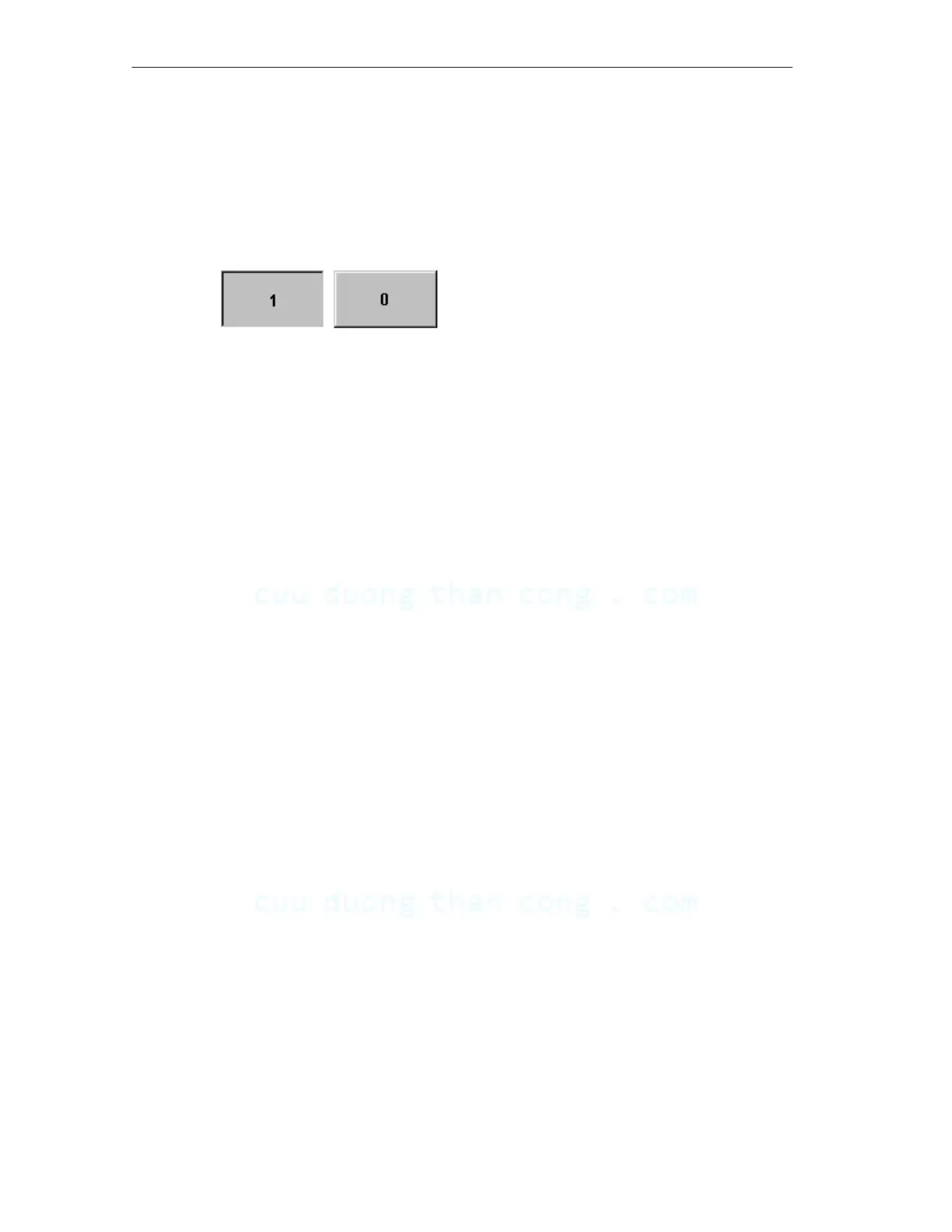
Figure 5-1 illustrates an example of a Status button when pressed (left) and not
pressed (right).
Figure 5-1 The two statuses relate to the Status button when the Switch option is set
CuuDuongThanCong.com https://fb.com/tailieudientucntt






 To Next Page