en Basic settings
38
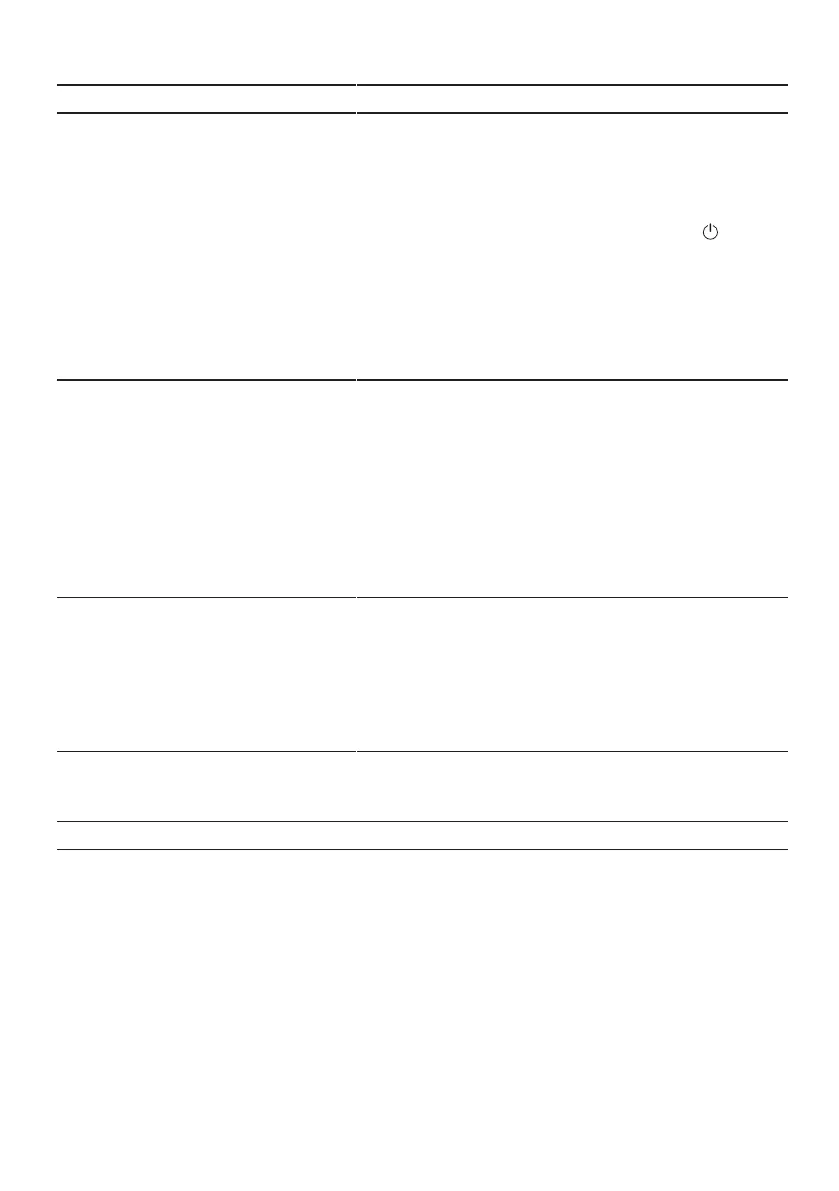
Basic setting Display text Selection Description
EmotionLight EL:02
1
EL:00 - EL:02 Interior light.
¡ The interior light is switched off
for the "EL:00" setting.
¡ If you use the "EL:01" setting, the
interior lighting can be activated
via the ON/OFF button .
¡ If you use the "EL:02" setting, the
interior lighting turns on when
you open the appliance door.
When the appliance door is opened,
the interior lighting switches off auto-
matically after 10 minutes.
Start programme SP:01
1
SP:00 - SP:01 Set a default programme for when
the appliance is switched on.
¡ With the setting "SP:00", the last
programme selected is set by de-
fault for when the appliance is
switched on.
¡ With the setting "SP:01", the Eco
50° programme is set by default
for when the appliance is
switched on.
Tone volume SL:02
1
SL:00 -SL:03 Adjustment of tone volume.
Level "SL:00" switches the signal
tone off.
If the Eco drying function is activ-
ated, the end of the programme is
not indicated by an audible signal
tone.
Button volume bL:02
1
bL:00 - bL:03 Set the button volume during opera-
tion. Level "bL:00" switches the but-
ton tones off.
1
Factory setting (may vary according to model)



 To Next Page