31
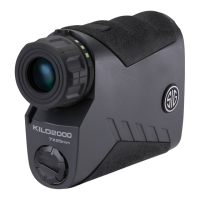
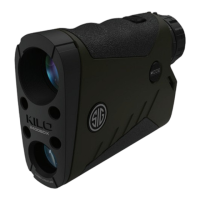
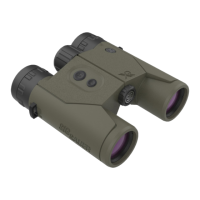
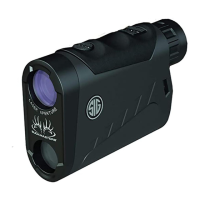
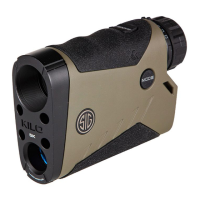
3. Launch the free SIG SAUER BDX
®
App and Pair with your KILO
®
(Enter your
PIN code)
On your smartphone, open the BDX App, click on PAIRING, turn on your KILO by pressing and
releasing the RANGE button and then press “Scan for Devices” on the App. Your KILO should
be listed below the KILO icon and “Select Device”. Your rangender ID should be listed in white
letters. Touch the ID in white. (Continued on next page)


 To Next Page