43
BASEMAP™
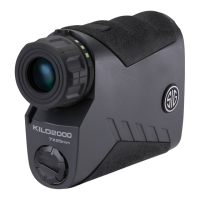
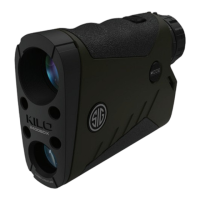
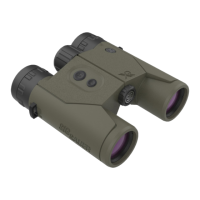
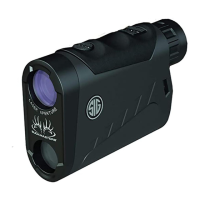
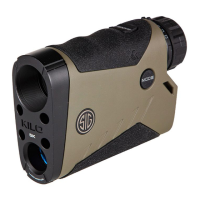
To connect your KILO to your BaseMap app, rst, open BaseMap. Tap on Tools in the lower right. Tap on
BaseMap Connect in the upper right. Turn on Bluetooth, if needed, and tap on your rangender in the available
devices menu. Read the PIN in your rangender display and enter it in the BaseMap popup. Select OK. You
rangender is now paired with BaseMap. Use the Remote Marker option from the tools menu to range targets
and automatically drop markers on your map at that location.


 To Next Page