18
Magnification
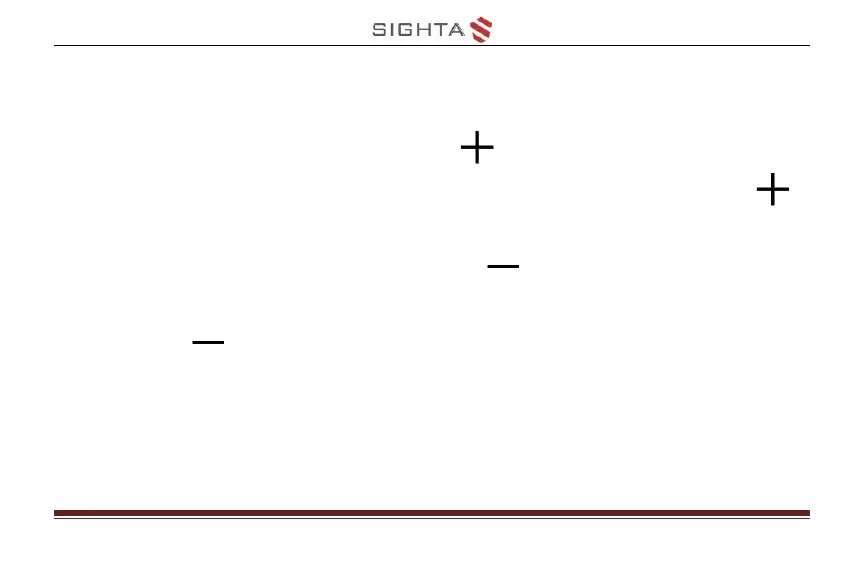
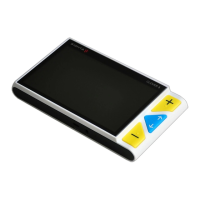
Press the Zoom In button to increase
magnification, and Holding the Zoom In button
for continuous increasing
Press the Zoom Out button to decrease
magnification, and Holding the Zoom Out
button for continuous decreasing
Magnification Range: 4x – 20x


 To Next Page