SDG5000 User Manual 125
4. Troubleshooting
General Inspecting
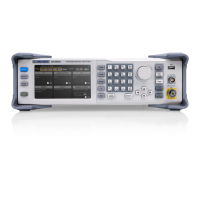
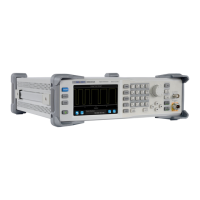
After receiving a new SDG5000 Series Generator, please inspect the
instrument as followed:
1. Inspect the shipping container for damage.
Keep the damaged shipping container or cushioning material until the
contents of the shipment have been checked for completeness and the
instrument has been checked mechanically and electrically.
2. Inspect the whole instrument.
In case there is any mechanical damage or defect, or the instrument
does not operate properly or fails performance tests, notify the SIGLENT
sales representative.
If the shipping container is damaged, or the cushioning materials show
signs of stress, notify the carrier as well as the SIGLENT sales
department. Keep the shipping materials for carrier’s inspection.
3. Check the accessories.
Accessories supplied with the instrument are listed below. If the contents
are incomplete or damaged, notify the SIGLENT sales representative.
Standard Accessories:



 To Next Page