EasyManua.ls Logo

Sigma 6000+ - SIGMA 6000 IV Pump Preventative Maintenance

Sigma 6000+
42 pages
Print Icon
To Next Page IconTo Next Page
To Previous Page IconTo Previous Page
Loading...
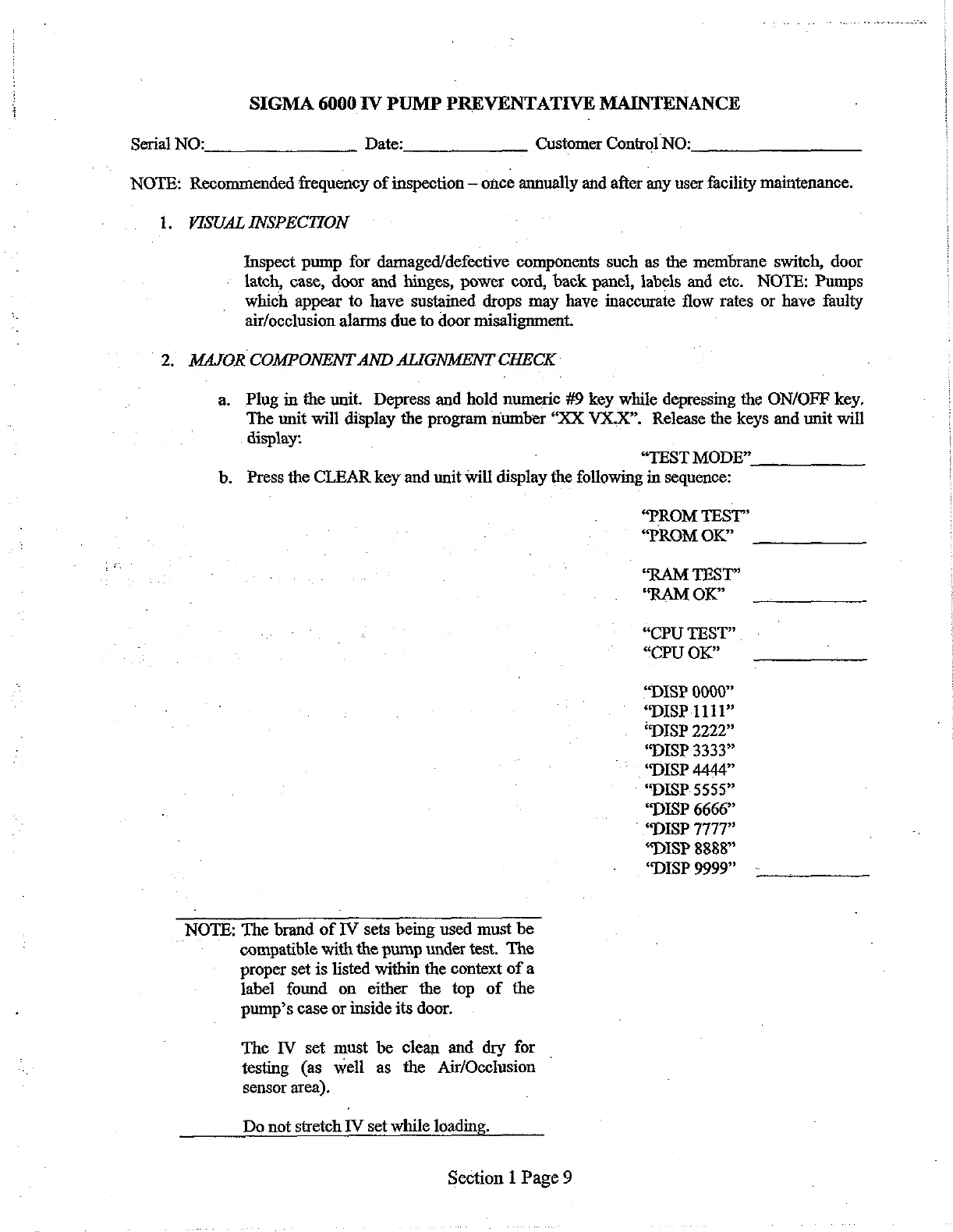
SIGMA
6000
TV
PUMP
PREVENTATIVE
MAINTENANCE
Serial
NO:
Date:
Customer
Control
NO:
NOTE:
Recommended
frequency
of
inspection
once
annually
and
after
any
user
facility
maintenance.
1.
VISUAL
INSPECTION
Inspect
pump
for
damaged/defective
components
such
as
the
membrane
switch,
door
latch,
case,
door
and
hinges,
power
cord,
back
panel,
labels
and
etc.
NOTE:
Pumps
which
appear
to
have
sustained
drops
may
have
inaccurate
flow
rates
or
have
faulty
air/occlusion
alarms
due
to
door
misalignment.
2.
MAJOR
COMPONENT
AND
ALIGNMENT
CHECK
a.
Plug
in
the
unit.
Depress
and
hold
numeric
#9
key
while
depressing
the
ON/OFF
E
key.
The
unit
will
display
the
program
number
“XX
VX.X”.
Release
the
keys
and
unit
will
display:
“TEST
MODE”
b.
Press
the
CLEAR
key
and
unit
will
display
the
following
in
sequence:
“PROM
TEST”
“PROM
OK”
“RAM
TEST”
“RAM
OR”
“CPU
TEST”.
“CPU
OK”
“DISP
0000”
“DISP
1111”
“DISP
2222”
“DISP
3333”
“DISP
4444”
-
“DISP.
5555”
“DISP
6666”
©
“DISP
7777”
“DISP
8888”
“DISP
9999”
NOTE:
The
brand
of
IV
sets
being
used
must
be
compatible
with
the
pump
under
test.
The
proper
set
is
listed
within
the
context
of
a
label
found
on
either
the
top
of
the
pump’s
case
or
inside
its
door.
The
IV
set
must
be
clean
and
dry
for
|
testing
(as
well
as
the
Air/Occlusion
sensor
area).
Do
not
stretch
IV
set
while
loading.
Section
1
Page
9

Related product manuals