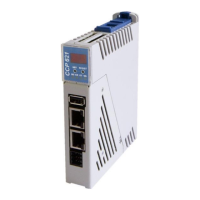
CCP 521 C-DIAS PROCESSOR MODULE
Page 22 15.03.2016
System Boot Checkpoints
The checkpoints are shown on the 7-segment display before the LASAL CLASS software
status and error messages. Since this involves checkpoints, it should be interpreted as
errors when the system stops at a checkpoint.
Display during system start.
If the status does not change, the oper-
ating system or application cannot be
started. This may be for different
reasons.
- The operating system is not fully booted
- Check operating system/boot medium
- Boot medium not inserted
- Boot medium defective
- No operating system on the boot medium
- BIOS self-test error
- RAM, CPU, BIOS, etc.


 To Next Page