10
The remote control will remain in setup mode for an
additional 30 seconds. The conrmation sound can be
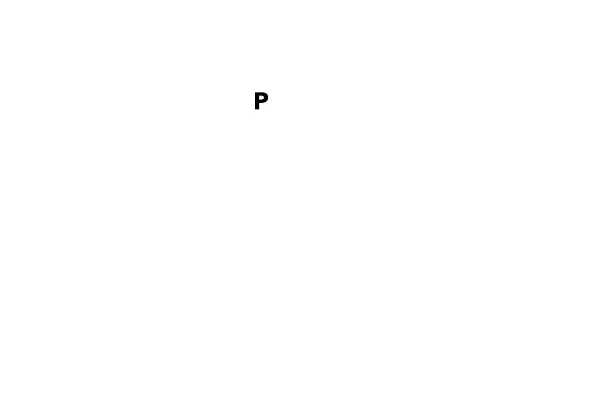
played again by pressing
during these 30 seconds.
XTo exit the setup mode of the remote control, wait
30 seconds or move the key lock switch to the lock
position (red color visible).
When pairing is nished, the remote control is ready for use.
XEnsure that it is unlocked (green color visible).
If the hearing inruments could not be paired, refer to
"Troubleshooting" section.


 To Next Page