13
AFTER SALES SUPPORT
1300 777 137
service@unclebills.com.au
MODEL: EA1427 PRODUCT CODE: 6568 04/2019
Instructions (cont)
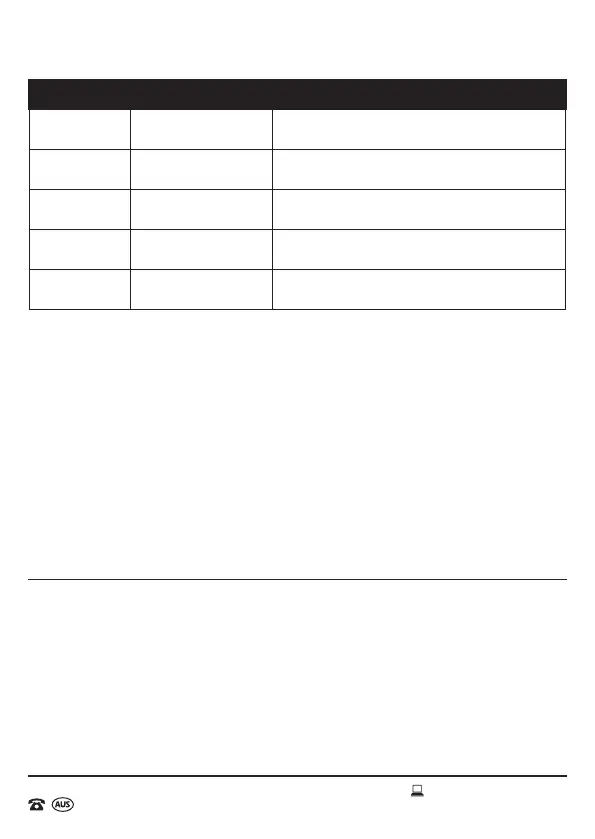
Menu Menu Set Parameters Description
Beep sound ON/OFF
Select ON if you want to hear a beep sound when
setting up camera.
Serial No ON/OFF
If setting a serial number, all photos taken by the
camera will show that set of serial number.
Format
memory card
ON/OFF
Erase all les or data on SD Card or save all data
on SD Card (note: this cannot be undone).
Reset
settings
YES/NO
All parameters will be set the same as factory
Default setting.
Version YES/NO
Check software version number will assist for
repairs or upgrades.
3. To take a picture: press Down key rst, then press OK key.
4. To record video: press Up key rst, and then press the OK key.
Automatic Working Mode
After setting and saving the parameters, slide the switch to the ON position (LCD
display 5-1 countdown to shutdown), the camera enters the automatic sensing mode.
Off Mode
After shooting, please slide the switch to the OFF position, the wildlife camera enters
shutdown mode (Please remove the batteries from the wildlife camera when not being
used for a long period).
Playback Pictures and Videos
1. Playback file on the camera: Switch the wildlife camera to test mode. Press
SHOT/PLAY key to enter playback mode, photos can be selected through the
UP or Down keys to view, video les must be selected and press OK key to play.
2. View file on PC: Check that the batteries are inserted correctly into the Wildlife
Camera. Next, ensure the camera is shut down, connect the camera to the
computer with the USB cable, and then you can view the le directly on the PC.
3. It may take a few minutes to load all les.



 To Next Page