11
AFTER SALES SUPPORT
1300 777 137
service@unclebills.com.au
MODEL: EA1440 PRODUCT CODE: 6619 04/2019
Instructions (cont.)
Selecting Your Mode of Measurement
1. Press the MODE button to select your mode.
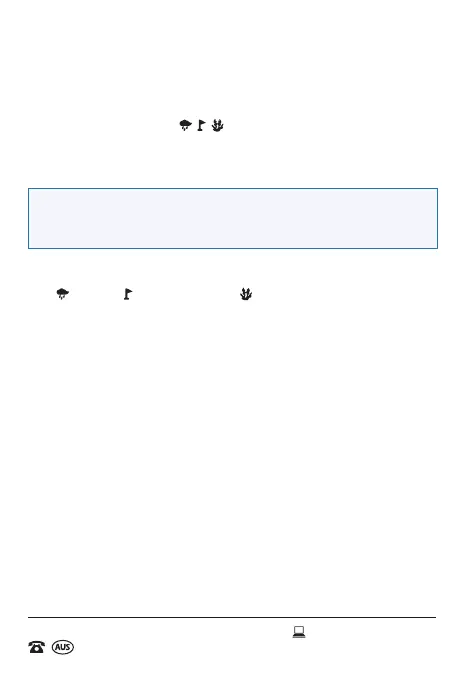
2. The use of each mode
, , should be chosen in accordance with
the environment / conditions in which the measurements are being
taken (please see page 8 for further information on what mode to
select depending upon the conditions and environment).
NOTE: When powering on the device, the Laser Range Finder will
automatically select the last mode chosen by the user before it was
powered off.
3. If the Mode of Measurement needs to be changed (see page 8), press
the MODE button until your required mode is available. Press once for
, twice for and three times for .
Measuring Accuracy
• Measuring distance with the Laser Range Finder is affected by the
characteristics of the objects, the angle of the emitted light beam, the
surface of the object and the visibility of the weather.
• Generally speaking, the clearer the weather conditions the greater the
possibility of a more accurate result, which in good conditions, can be
up to one thousand metres.
• Measuring faults occur frequently when your battery is near empty
(please see page 9 for more information on the low battery Indicator
symbol and how to replace the battery).
Changing Measurement Type
• To change the measurement type from metres to yards, hold down the
MODE button for up to three seconds.
• The measurement type will be displayed as a M for metres or a Y for
yards on the indicator next to the distance readout on the display of the
Laser Range Finder.



 To Next Page